Send enquiry ⏎

Laravel Online Live Class by Experts

Our Training/Internship Process

Laravel Online Live Classes in Bangalore | Free Demo Training

Laravel - Syllabus, Fees & Duration

Section 1 : Introduction of Laravel PHP Framework

  • Installing Laravel
  • Artisan CLI ( command-line interface )
  • Laravel Directory Structure
  • Configuring a new Laravel project

Section 2 : Architecture & Basics

  • Architecture overview -Basic routing
  • Call a controller method from a route
  • Passing variables from controllers to views
  • CSRF protection
  • Validation
  • Error handling
  • Controller
  • Request
  • Response
  • Views
  • Session

Section 3 : HTML Template to Laravel Blade Template

  • Master layout
  • Extending the master layout
  • Displaying variables
  • Blade conditional statements & loops
  • PHP functions in blade
  • Creating and using a basic views
  • Loading a view into another view/nested views
  • Adding assets
  • Integrating with Bootstrap

Section 4 : Security & Session

  • Authentication
  • Authorization
  • Encryption
  • Hashing
  • Using Security
  • Sessions Effective

Section 5 : Database

  • Introduction
  • Query Builder
  • Migrations
  • Seeding

Section 6 : Eloquent ORM ( Storing and Using Data )

  • Eloquent ORM Models
  • Naming conventions
  • Table name and primary keys
  • Timestamps
  • Eloquent ORM INSERT, READ , UPDATE , DELETE
  • Using models in controllers
  • Displaying data from models in views

Section 7 : Creating a registration & user login form

  • Artisan command to create inbuilt user register and login system
  • Authenticating Your Application
  • Adding Custom Fields to Registration Form
  • Creating user profile page

Section 8 : Admin Panel Setup

  • Introduction
  • Setup Admin Panel using Bootstrap theme
  • Create Admin login
  • Creating an admin authentication system
  • Encrypting and decrypting data

Section 9 : Using Ajax and jQuery

  • Introduction
  • Getting data from another page
  • Setting up a controller to return JSON data

Section 10 : Project

Download Syllabus - Laravel
This syllabus is not final and can be customized as per needs/updates
   
10000+
20+
50+
25+

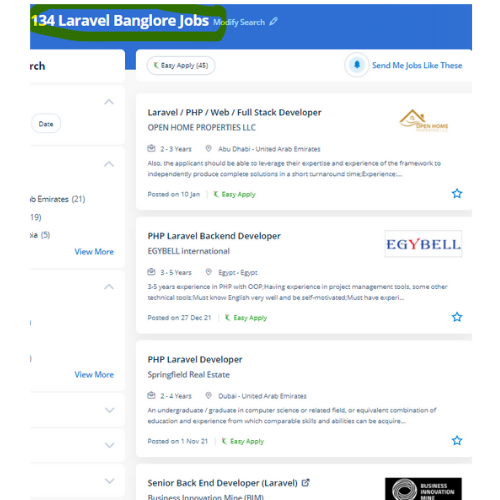
Laravel Jobs in Bangalore

Enjoy the demand

Find jobs related to Laravel in search engines (Google, Bing, Yahoo) and recruitment websites (monsterindia, placementindia, naukri, jobshybrid.com, indeed.co.in, shine.com etc.) based in Bangalore, chennai and europe countries. You can find many jobs for freshers related to the job positions in Bangalore.

  • Full stack Developer
  • PHP Developer Laravel
  • Laravel Developer
  • Backend Developer
  • Senior Php Web Developer
  • Senior Backend Developer
  • Software Engineer-Laravel
  • Systems developer
  • Lead Full Stack Developer
  • Programmer

Laravel Internship/Course Details

Laravel internship jobs in Bangalore
Laravel Laravel could be a game-changer For your business. Laravel has many inventor-oriented options, which offer progressive work quality. The safe authentication and consent ability of laravel guarantee the reputed companies in their production field. The crucial viewpoint of Laravel is the concern that the software development system should be as simple, high-quality, and quick as possible. The Laravel credential procedure is easier by enabling the users to configure the functions by applying effective authorization logic and giving allowances to the resources. . Occasionally site performance affects some features and functionalities. Nestsoft offers the best PHP Laravel architecture training. Laravel permits you to elaborate applications that are scalable and effective, easy and clean. But, Laravel comes up with various tools that facilitate the developers to heft the web app performance.


Meet a Few of our Industry Experts 🚀 Your Pathway to IT Career

Seema

Mobile: +91 9895490866
Location: Online (Bangalore, India)
Qualification: Bachelor of arts

Experience: I completed my web design and development course in this year and I have good knowledge of HTML CSS javascript  more..

Salman

Mobile: +91 8301010866
Location: Online (Bangalore, India)
Qualification: 12+

Experience: I have total 5+ years expirence Desktop support and networking in Wipro DNA |   more..

Akash

Mobile: +91 98474 90866
Location: Online (Bangalore, India)
Qualification: B Tech (Mechanical)

Experience: C programming language C++  more..

Srinivas

Mobile: +91 89210 61945
Location: Online (Bangalore, India)
Qualification: B E

Experience: Hi sir Srinivas punith here currently working in Acrowit technogies pvt ltd (Wittyparrot) I am looking for a part time  more..

shivani

Mobile: +91 89210 61945
Location: Online (Bangalore, India)
Qualification: MscIT

Experience: In total 4 years of experience as a developer 2 years as a dot net developer 2 years of Node  more..

Prakash

Mobile: +91 9895490866
Location: Online (Bangalore, India)
Qualification: BSc and MSc in Visual Communication

Experience: 4 year industry experience in Graphic design  more..

ANJU

Mobile: +91 89210 61945
Location: Online (Bangalore, India)
Qualification: B.Tech

Experience: Worked as 6 month intern at irohub infotech ernamkulam Then i completed a course in python with django framework  more..

Jincy

Mobile: +91 9895490866
Location: Online (Bangalore, India)
Qualification: B.SC

Experience: Project management Strong decision-maker Complex problem solver Creative design Innovative Service-focused 3 Years experience in Front End and Back  more..

Tushar

Mobile: +91 91884 77559
Location: Online (Bangalore, India)
Qualification: Bachelors

Experience: Computer languages C C++ Java Python JavaScript HTML CSS TypeScript Bash Assembly Solidity Golang Software Packages Git Github Docker Linux  more..

VIPIN

Mobile: +91 94975 90866
Location: Online (Bangalore, India)
Qualification: B Tech

Experience: Experience in networking and system administration field Ccna ccnp mcse course completed  more..

Sivasubramanian.

Mobile: +91 9895490866
Location: Online (Bangalore, India)
Qualification: Diploma

Experience: UI UX Designer cum Graphic Designer with 12+ years of experience in the management of the complete design process from  more..

varsha

Mobile: +91 8301010866
Location: Online (Bangalore, India)
Qualification: mca

Experience: selenium jira jmeter mantis manual testing mobile app testing sql html  more..

Mangilal

Mobile: +91 9895490866
Location: Online (Bangalore, India)
Qualification: B. Tech

Experience: Hello This is mangilal I have 1 year hands on experience as laravel developer Am familiar with c c++ php  more..

Sithanya

Mobile: +91 98474 90866
Location: Online (Bangalore, India)
Qualification: MSC computerscience

Experience: Bootstrap c cpp c# php mysql HTML 6 month experience in webdesigner  more..

Subashkumar

Mobile: +91 9895490866
Location: Online (Bangalore, India)
Qualification: B.E

Experience: Software testing QA Software developy  more..

Abhishek

Mobile: +91 9895490866
Location: Online (Bangalore, India)
Qualification: MCA

Experience: Have Experience in wordpress(ACF custom theme builder like elemetor divi WPbakery braver builder) 3 year in Html css bootstrap jQuery  more..

Vijesh

Mobile: +91 8301010866
Location: Online (Bangalore, India)
Qualification: Bachelor Degree in IT

Experience: 12 years of experience in native iOS development   more..

vimaljoy

Mobile: +91 91884 77559
Location: Online (Bangalore, India)
Qualification: B -Tech - 3rd year

Experience: Machine Learning Computer Vision Deep learning python Unity HTML & CSS  more..

Kowsikkumar

Mobile: +91 91884 77559
Location: Online (Bangalore, India)
Qualification: Bba

Experience: Manual testing 1 year and automation 1 year  more..

K.RAKHI

Mobile: +91 98474 90866
Location: Online (Bangalore, India)
Qualification: BTECH

Experience: Manual testting Automation-Selenium testing postman Agile technology Jira(basic concepts) Html Css Bootstrap  more..

Vicky

Mobile: +91 89210 61945
Location: Online (Bangalore, India)
Qualification: b.tech

Experience: react and node js mongodb  more..

Abhsihek

Mobile: +91 94975 90866
Location: Online (Bangalore, India)
Qualification: BE IT

Experience: I am writing to express my keen interest in the Automation Test Engineer position With 3 6 years of Experience  more..

Rinshila

Mobile: +91 89210 61945
Location: Online (Bangalore, India)
Qualification: BSC Computer science

Experience: Cyber security SOC analysis Penetration testing Networking fundamentals and configuration |   more..

Ridhin

Mobile: +91 89210 61945
Location: Online (Bangalore, India)
Qualification: BTech(IT)

Experience: odoo python javascript psql xml and git  more..

Success Stories

The enviable salary packages and track record of our previous students are the proof of our excellence. Please go through our students' reviews about our training methods and faculty and compare it to the recorded video classes that most of the other institutes offer. See for yourself how TechnoMaster is truly unique.


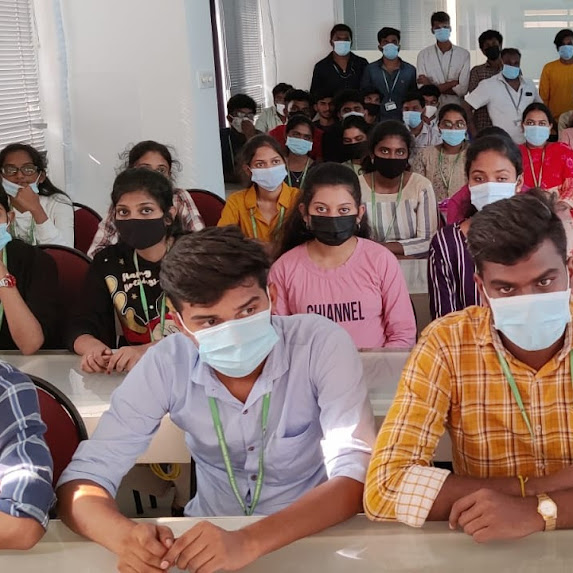
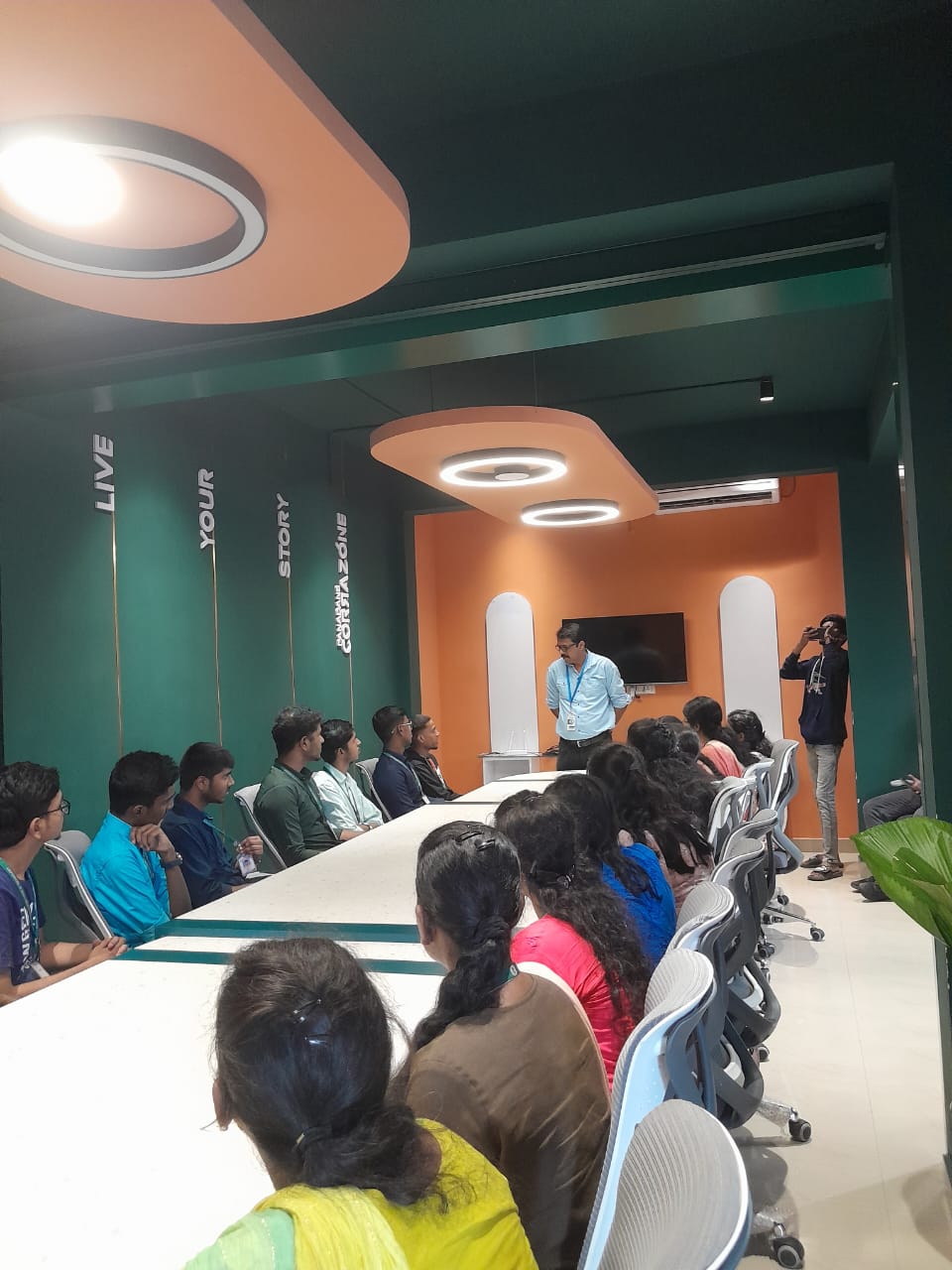
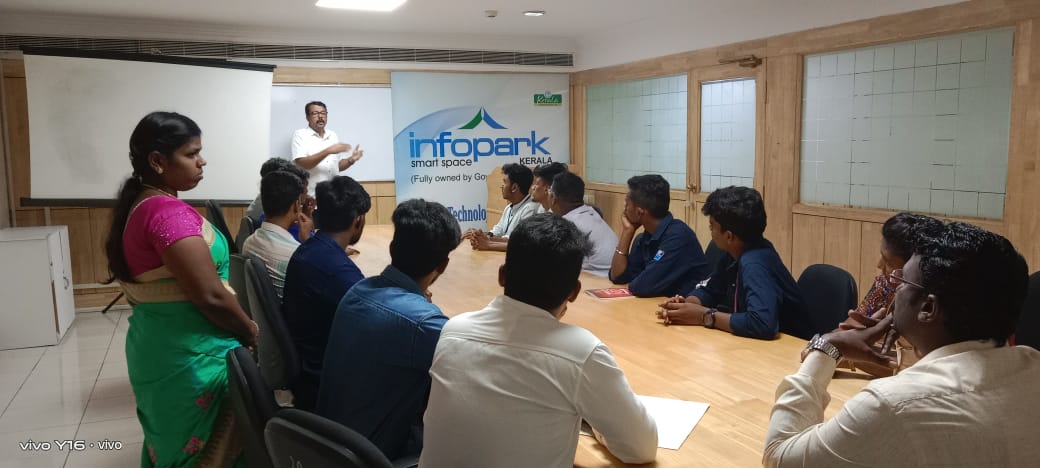
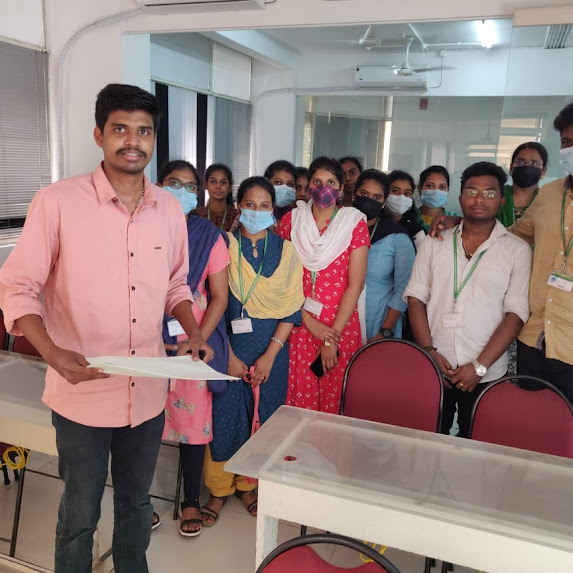
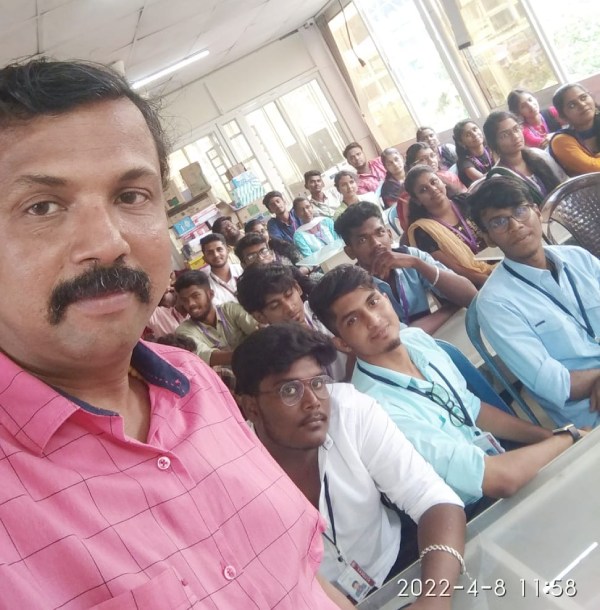
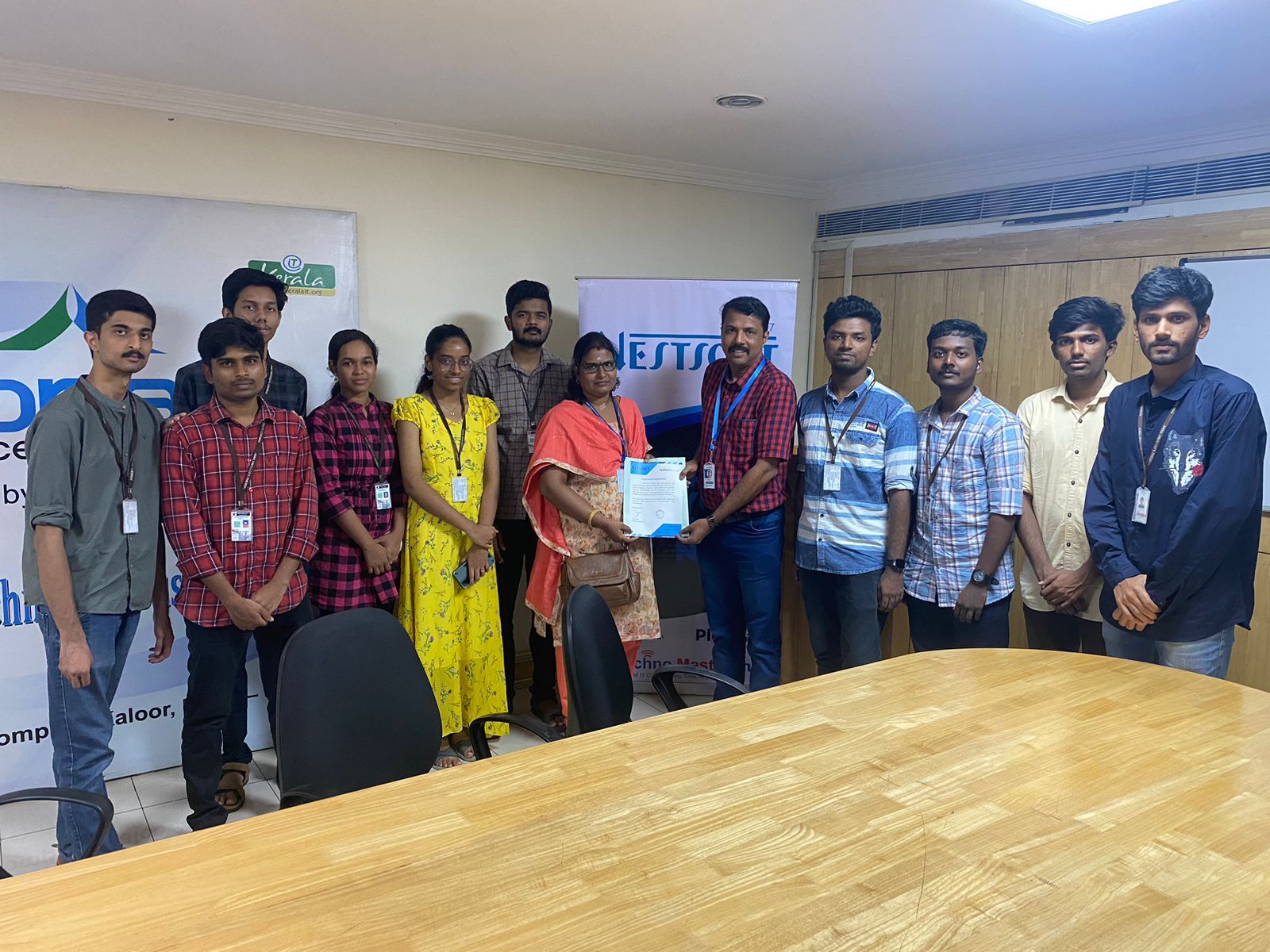
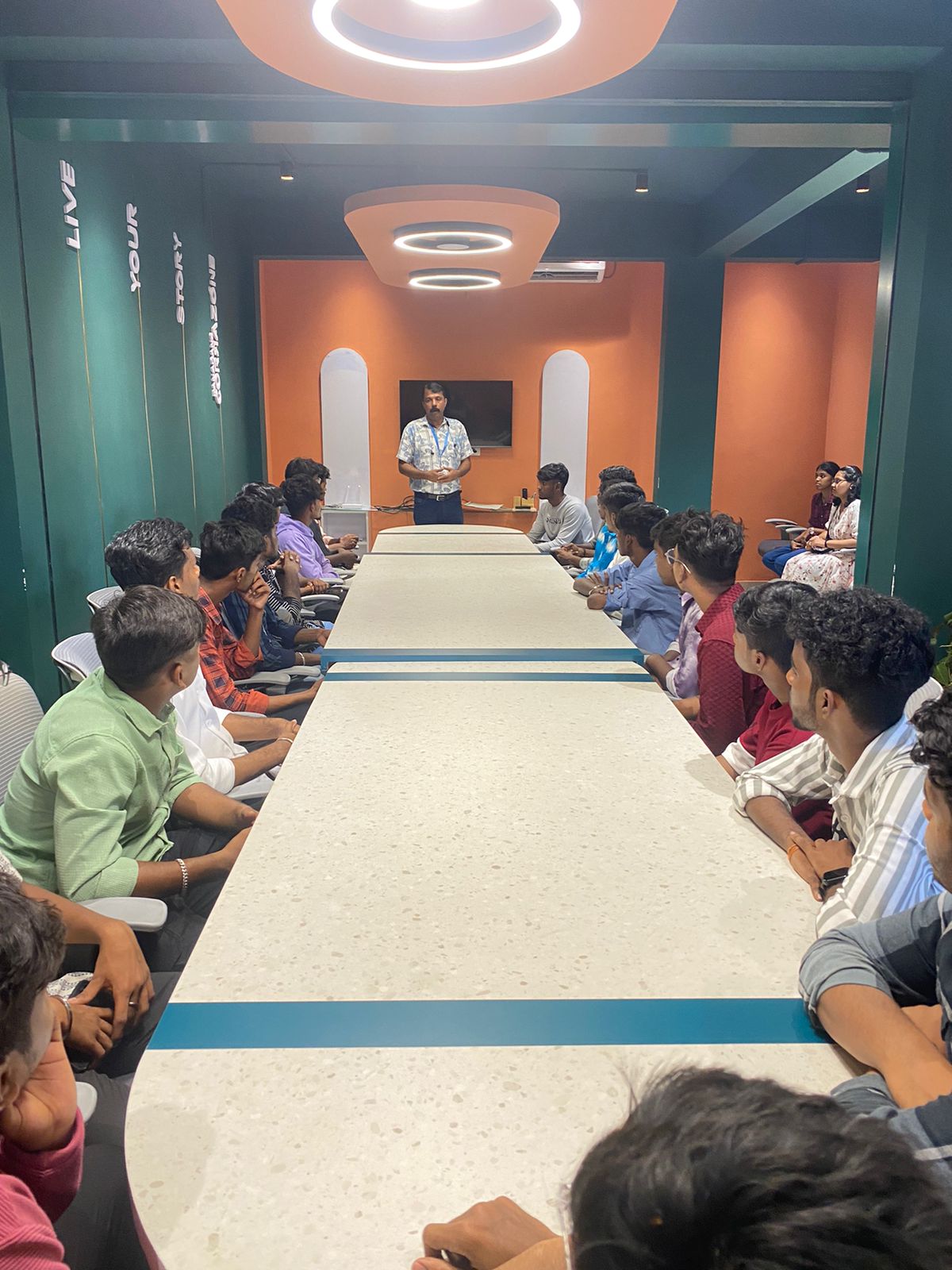
Photos of Training / Internships

Internship/projects in bangalore

Trained more than 10000+ students who trust Nestsoft TechnoMaster

Get Your Personal Trainer