Low Code Development Course Online Live Class by Experts
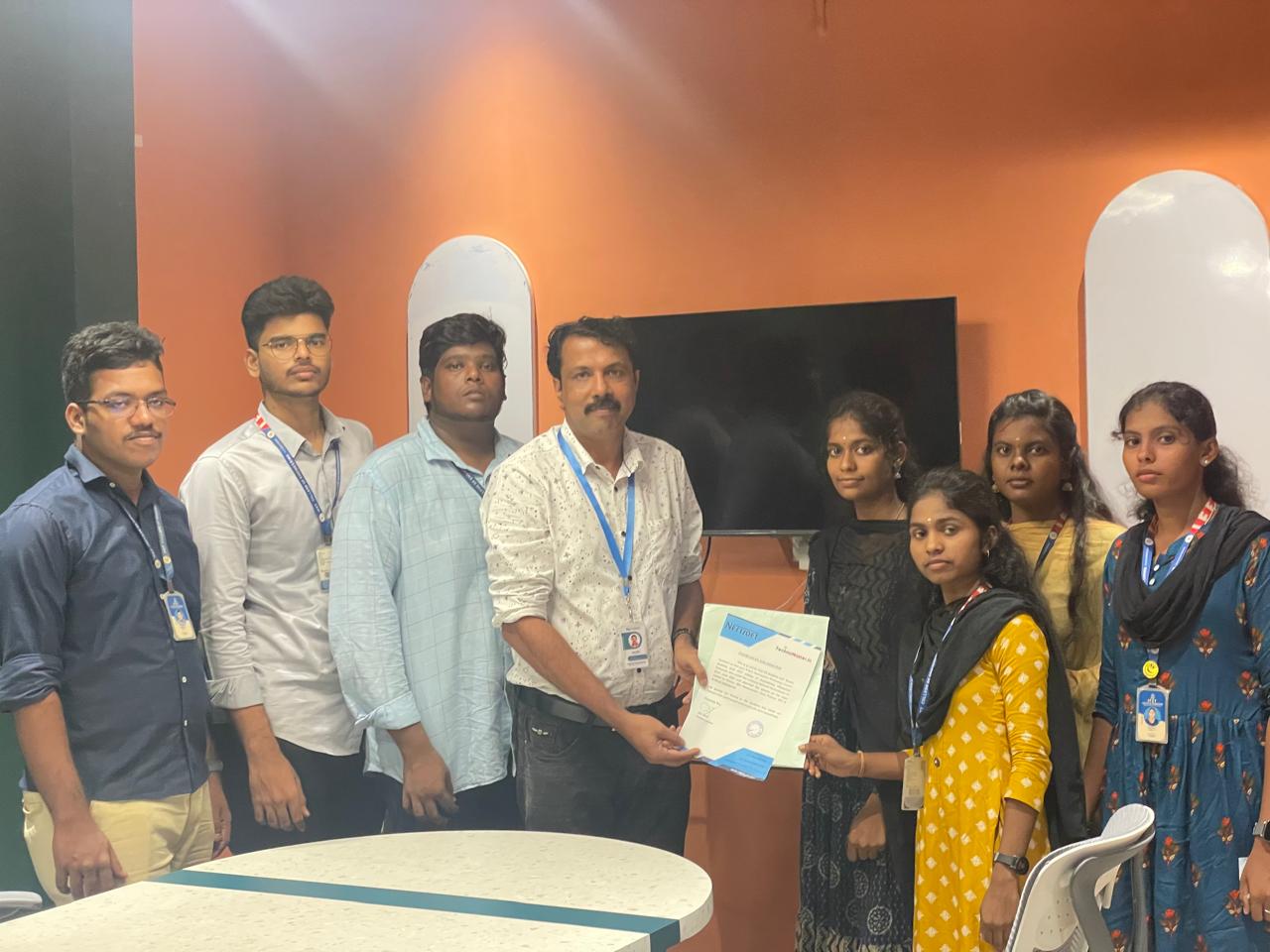
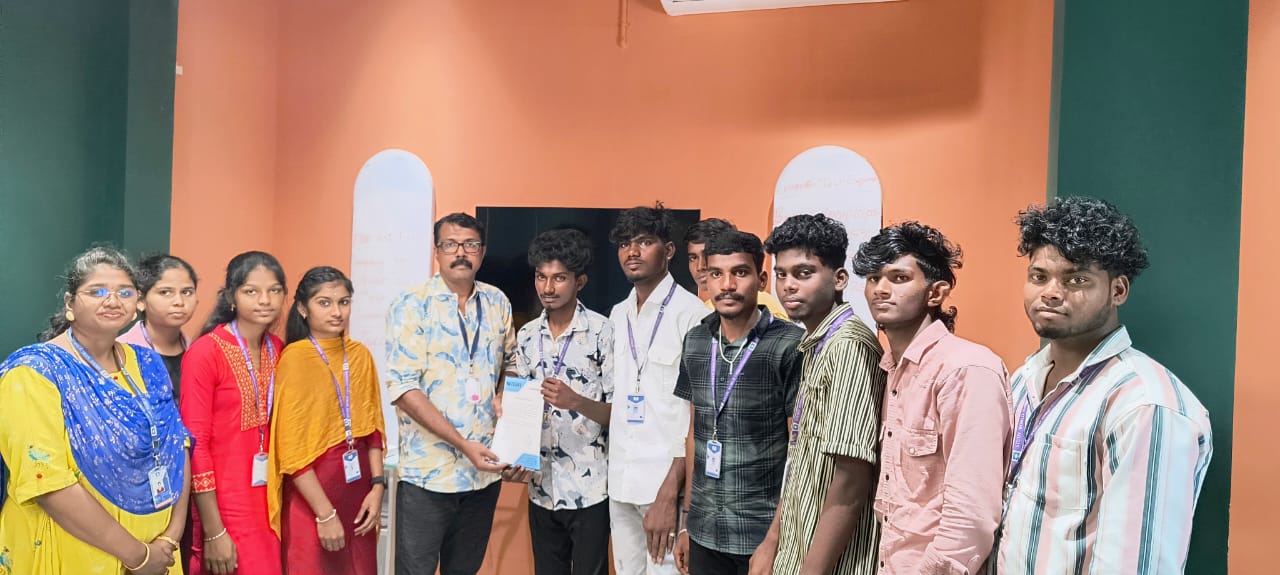
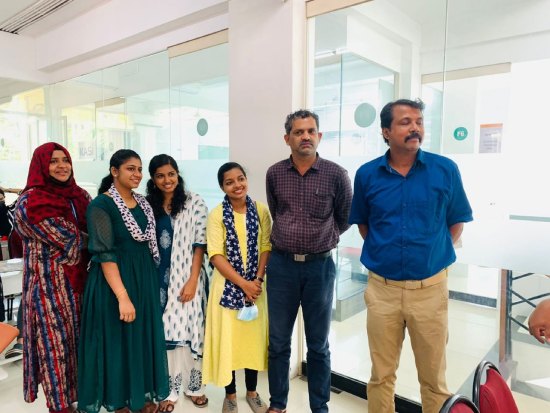
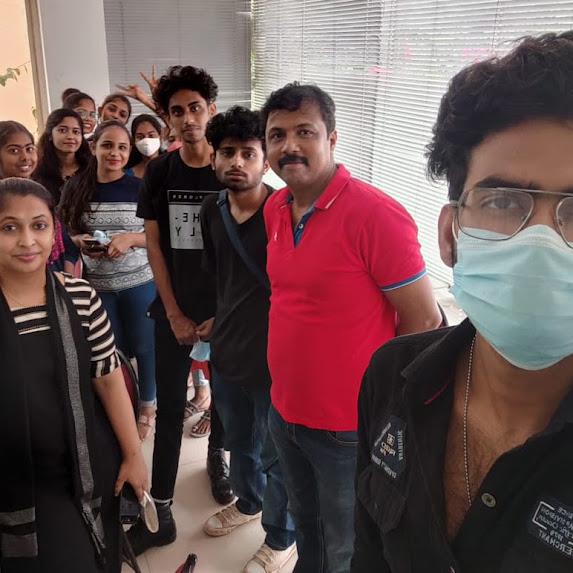
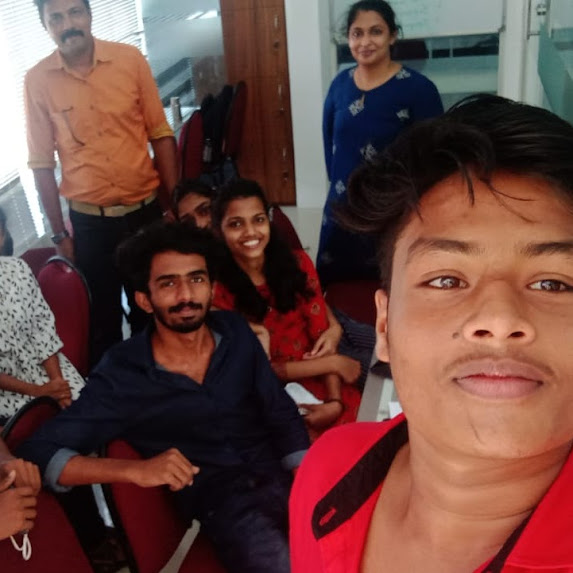
Our Training/Internship Process

Low Code Development Course - Syllabus, Fees & Duration
Introduction
The Low-Code/No-Code Development course is a 2-month practical training program designed to teach learners how to create modern applications using visual development platforms like Microsoft Power Apps and Bubble. Students will learn application design, automation workflows, database integration, UI development, and business process automation without extensive programming.
Course Syllabus
Month 1: Low-Code & No-Code Fundamentals
Introduction to Low-Code No-Code Development
- Introduction to Low-Code Development
- Introduction to No-Code Platforms
- Traditional Development vs Low-Code Development
- Benefits of Low-Code Platforms
- Business Applications of Low-Code
- Future Scope of No-Code Technologies
Microsoft Power Apps Fundamentals
- Introduction to Microsoft Power Apps
- Power Apps Environment Setup
- Canvas Apps Development
- Model-Driven Apps Overview
- Power Apps User Interface Design
- Working with Components
Power Apps Application Development
- Creating Business Applications
- Forms and Controls
- Data Entry Applications
- App Navigation
- Power Apps Formulas
- Application Testing and Publishing
Data Integration with Power Platform
- Working with Data Sources
- Microsoft Dataverse
- SharePoint Integration
- Excel Data Integration
- Cloud Database Connection
- Data Management Practices
Month 2: Advanced No-Code Development & Automation
Bubble Development Fundamentals
- Introduction to Bubble Platform
- Bubble Editor Overview
- Building Web Applications
- UI Design Using Bubble
- Reusable Components
- Responsive Application Design
Bubble Application Development
- Database Design in Bubble
- Workflows and Actions
- User Authentication
- API Integration
- Plugin Integration
- Application Deployment
Workflow Automation
- Introduction to Business Automation
- Microsoft Power Automate
- Automated Workflows
- Process Automation
- Trigger and Action Concepts
- Integration with Business Tools
Advanced Low-Code Solutions
- AI Integration with Low-Code Platforms
- Chatbot Development
- Business Process Automation
- Application Security
- User Management
- Deployment Strategies
Final Projects
- Business Management Application
- Customer Relationship Management App
- Inventory Management System
- Workflow Automation Project
- No-Code Web Application Development
Tools and Technologies
- Microsoft Power Apps
- Microsoft Power Automate
- Bubble.io
- Microsoft Dataverse
- SharePoint
- Excel Integration
- APIs
- Cloud Services
- AI Integration Tools
This syllabus is not final and can be customized as per needs/updates
- Since 2001, Making IT Experts by Experts
- Duration: 1000 Hours (Vary as per your skill)
- Course Fees
- Individual Live Classes (1:1)
- Batch Classes @ Low Fees
- Training on Your Time, Any Where
- Access to Recorded Videos
- Practical Internship on Projects
- 100% Placement Support by our jobsHybrid.com
- Training/Internship Certificate
- Agra
- Ahmedabad
- Alappuzha
- Aurangabad
- Bangalore
- Belgaum
- Bellary
- Bhubaneswar
- Chennai
- Cochin
- Coimbatore
- Delhi
- Dindigul
- Erode
- Gulbarga
- Guntur
- Gurgaon
- Haryana
- Hyderabad
- Idukki
- Indore
- Jaipur
- Kalyan
- Kannur
- Kanpur
- Kasaragod
- Kerala
- Kolkata
- Kollam
- Kottayam
- Kozhikode
- Lucknow
- Madurai
- Malappuram
- Mangaluru
- Mumbai
- Mysuru
- Nagpur
- Nashik
- Navi Mumbai
- Nizamabad
- Noida
- Palakkad
- Pathanamthitta
- Pune
- Punjab
- Salem
- Shimla
- Solapur
- Surat
- Thane
- Thanjavur
- Thirunelveli
- Thoothukudi
- Thrissur
- Tiruchirappalli
- Tiruppur
- Trivandrum
- Vadodara
- Varanasi
- Vellore
- Vijayawada
- Visakhapatnam
- Wayanad
Course Highlights

Our Locations

 . Students will learn visual app development, workflow automation, database integration, API connectivity, and business application creation without complex programming. Our Low-Code/No-Code Development Course in Mangaluru is a 2-month career-focused training program designed to help learners build powerful applications using modern low-code platforms like Microsoft Power Apps and Bubble.
This course provides hands-on experience in developing real-world applications, automating business processes, and integrating AI-powered solutions using no-code technologies. Join our Low-Code/No-Code Development Training in Mangaluru to build faster, smarter applications and start a career in modern application development.
. Students will learn visual app development, workflow automation, database integration, API connectivity, and business application creation without complex programming. Our Low-Code/No-Code Development Course in Mangaluru is a 2-month career-focused training program designed to help learners build powerful applications using modern low-code platforms like Microsoft Power Apps and Bubble.
This course provides hands-on experience in developing real-world applications, automating business processes, and integrating AI-powered solutions using no-code technologies. Join our Low-Code/No-Code Development Training in Mangaluru to build faster, smarter applications and start a career in modern application development.