Send enquiry ⏎

MCSE Online Live Class by Experts

Our Training/Internship Process

MCSE Online Live Classes in Tiruchirappalli | Free Demo Training

MCSE - Syllabus, Fees & Duration

MODULE 1

  • Windows Server 2012 Overview
  • Overview of Windows Server 2012 Management
  • Installing Windows Server 2012
  • Post-Installation Configuration of Windows Server 2012
  • Introduction to Windows PowerShell

MODULE 2

  • Introduction to Active Directory Domain Services
  • Overview of AD DS
  • Overview of Domain Controllers
  • Installing a Domain Controller

MODULE 3

  • Managing Active Directory Domain Services Objects
  • Managing User Accounts
  • Managing Group Accounts
  • Managing Computer Accounts
  • Delegating Administration

MODULE 4

  • Automating Active Directory Domain Services Administration
  • Using Command-line Tools for Administration
  • Using Windows PowerShell for Administration
  • Performing Bulk Operations with Windows PowerShell

MODULE 5

  • Implementing IPv4
  • Overview of TCP/IP
  • Understanding IPv4 Addressing
  • Subnetting and Supernetting
  • Configuring and Troubleshooting IPv4

MODULE 6

  • Implementing DHCP
  • Installing a DHCP Server Role
  • Configuring DHCP Scopes
  • Managing a DHCP Database
  • Securing and Monitoring DHCP

MODULE 7

  • Implementing DNS
  • Name Resolution for Windows Client and Servers
  • Installing and Managing a DNS Server
  • Managing DNS Zones

MODULE 8

  • Implementing IPv6
  • Overview of IPv6
  • IPv6 Addressing
  • Coexistence with IPv6
  • IPv6 Transition Technologies

MODULE 9

  • Implementing Local Storage
  • Overview of Storage
  • Managing Disks and Volumes
  • Implementing Storage Spaces

MODULE 10

  • Implementing File and Print Services
  • Securing Files and Folders
  • Protecting Shared Files and Folders Using Shadow Copies
  • Configuring Network Printing

MODULE 11

  • Implementing Group Policy
  • Overview of Group Policy
  • Group Policy Processing
  • Implementing a Central Store for Administrative Templates

MODULE 12

  • Securing Windows Servers Using Group Policy Objects
  • Windows Security Overview
  • Configuring Security Settings
  • Restricting Software
  • Configuring Windows Firewall with Advanced Security

MODULE 13

  • Implementing Server Virtualization with Hyper-V
  • Overview of Virtualization Technologies
  • Implementing Hyper-V
  • Managing Virtual Machine Storage
  • Managing Virtual Networks

MODULE 14

  • Administering windows server
  • Deploying and Maintaining Server Images
  • Configuring and Troubleshooting Domain Name System
  • Maintaining Active Directory Domain Services
  • Managing User and Service Accounts
  • Implementing a Group Policy Infrastructure
  • Managing User Desktops with Group Policy
  • Configuring and Troubleshooting Remote Access
  • Installing, Configuring, and Troubleshooting the Network Policy Server Role
  • Implementing Network Access Protection
  • Optimizing File Services
  • Configuring Encryption and Advanced Auditing
  • Implementing Update Management
  • Monitoring Windows Server 2012

MODULE 15

  • Configuring Advanced Windows Server Services
  • Implementing Advanced Network Services
  • Implementing Advanced File Services
  • Implementing Dynamic Access Control
  • Implementing Distributed Active Directory Domain Services Deployments
  • Implementing Active Directory Domain Services Sites and Replication
  • Implementing Active Directory Certificate Services
  • Implementing Active Directory Rights Management Services
  • Implementing Network Load Balancing
  • Implementing Failover Clustering
  • Implementing Failover Clustering with Hyper-V
  • Implementing Disaster Recovery
  • Download Syllabus - MCSE
    This syllabus is not final and can be customized as per needs/updates
   
10000+
20+
50+
25+

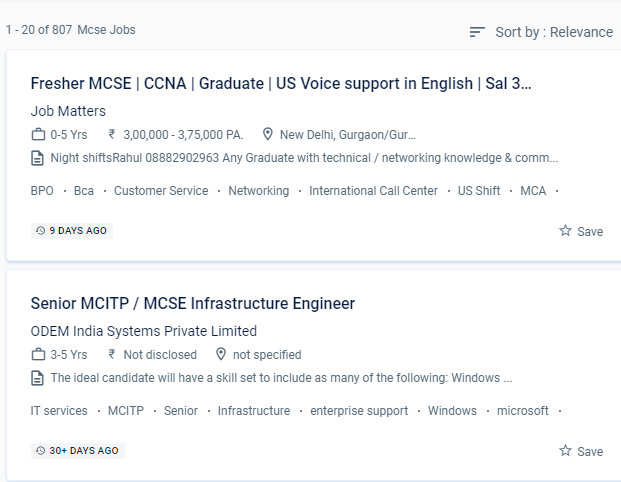
MCSE Jobs in Tiruchirappalli

Enjoy the demand

Find jobs related to MCSE in search engines (Google, Bing, Yahoo) and recruitment websites (monsterindia, placementindia, naukri, jobshybrid.com, indeed.co.in, shine.com etc.) based in Tiruchirappalli, chennai and europe countries. You can find many jobs for freshers related to the job positions in Tiruchirappalli.

  • Windows Administrator
  • Network Manager
  • Systems Administrator
  • Systems Engineer
  • IT Support Engineer
  • Technical Consultant
  • IT consultant
  • Systems Administrator
  • SQL Server Administrators
  • Database Backup Administrators

MCSE Internship/Course Details

MCSE internship jobs in Tiruchirappalli
MCSE Students who want to clear up any questions can benefit from one-on-one teaching and can submit an email with any questions. The Microsoft Certified Solutions Associate (MCSA) certification qualifies a candidate for the professional-level certification MCSE. A certification-level information technology course, Microsoft certified solution expert is a certification-level information technology course. You will work on hands-on exercises and industry-related projects during your online certification course. The MCSE syllabus has been intended to cover every relevant topic. In the MCSE online training course, our skilled educators will give you certification guidance. Microsoft certified solution expert (MCSE) is regarded as one of the most prestigious credentials among IT professionals. Develop and demonstrate your devotion to your career by becoming an MCSE certified professional, and you'll earn high pay. Artificial intelligence, computer science, cyber security, information security, information systems, information technology management, and machine learning are among the major topics covered in the MCSE. Managing users, updating the server environment, monitoring the file server, recovering from hardware failure, backup procedure, IP addressing, TCP/IP setup and name resolution, and DNS server are some of the subjects covered during online certification training.


Meet a Few of our Industry Experts 🚀 Your Pathway to IT Career

Sugandha

Mobile: +91 91884 77559
Location: Online (Tiruchirappalli, India)
Qualification: Interior Designer

Experience: Keen sense of creativity adaptability and ability to meet deadlines in a fast-paced environment Can create Artworks Proficient in Canva  more..

GOKULNATH

Mobile: +91 8301010866
Location: Online (Tiruchirappalli, India)
Qualification: Bsc

Experience: User research Usability Testing Wireframe Prototype Responsive design Figma Adobe XD Sketch Framer Invision Photoshop illustrator Aftereffects   more..

Sreerag

Mobile: +91 8301010866
Location: Online (Tiruchirappalli, India)
Qualification: Bsc graduated

Experience: Skills: -User interface design -User experience design -User centric design -User research -User flow -Visual hierarchy -Design principles Experience: I  more..

Shruti

Mobile: +91 98474 90866
Location: Online (Tiruchirappalli, India)
Qualification: PGDHRM

Experience: I am an experienced trainer proficient in both online and in-person environments with a specialization in spoken English My expertise  more..

rishi

Mobile: +91 89210 61945
Location: Online (Tiruchirappalli, India)
Qualification: JCHNP

Experience: sophos firewall configuration and server support configuration  more..

Babita

Mobile: +91 98474 90866
Location: Online (Tiruchirappalli, India)
Qualification: Diploma

Experience: I have 3 5 year experience as web developer Also making website responsive I have knowledge of html5 css3 bootstarap4  more..

Dilli

Mobile: +91 98474 90866
Location: Online (Tiruchirappalli, India)
Qualification: Bachelor of technology

Experience: Working on design and Execution of test cases Participated in iteration walkthrough calls and understands the new changes Participated in  more..

Sameer

Mobile: +91 91884 77559
Location: Online (Tiruchirappalli, India)
Qualification: Graduation

Experience: An enthusiastic learner with a strong will to give vision to exceptional ideas that communicate the brand’s mission at large  more..

Putta

Mobile: +91 89210 61945
Location: Online (Tiruchirappalli, India)
Qualification: B.tech

Experience: HTML Java SQL Python programming languages  more..

Hari

Mobile: +91 91884 77559
Location: Online (Tiruchirappalli, India)
Qualification: Mca

Experience: Html css javascript wordpress angular react  more..

Chitransh

Mobile: +91 9895490866
Location: Online (Tiruchirappalli, India)
Qualification: MCA

Experience: I'm working so many android projects bill payment apps education fun-based application freelancing platform and many more   more..

Navaj

Mobile: +91 94975 90866
Location: Online (Tiruchirappalli, India)
Qualification: BCA

Experience: Network security Vulnerability assessments Penetration testing Security tools Cryptography Web security Capture The Flag (CTF) competitions  more..

Khushal

Mobile: +91 91884 77559
Location: Online (Tiruchirappalli, India)
Qualification: BTech

Experience: 1 5 years experience in web development with hands on HTML CSS JS and React  more..

Surya

Mobile: +91 98474 90866
Location: Online (Tiruchirappalli, India)
Qualification: BE. Mechanical Engineering

Experience: • Good understanding of the SDLC STLC Waterfall & Agile Methodologies • Experience in Automation Tools- Selenium framework & Playwright  more..

helly

Mobile: +91 89210 61945
Location: Online (Tiruchirappalli, India)
Qualification: Bachelor of engineering B.E

Experience: I have good commination skills grather client requirements and implement in the odoo I have knowledge of odoo functional   more..

Arya

Mobile: +91 89210 61945
Location: Online (Tiruchirappalli, India)
Qualification: Msc Computer science specialization in Cyber security

Experience: Worked as VAPT intern in Techbyheart Pvt ltd and have done a project in web application penetration testing Discovered vulnerabilities  more..

Arshan

Mobile: +91 89210 61945
Location: Online (Tiruchirappalli, India)
Qualification: BCA SPECIALISATION IN CLOUD COMPUTING AND CYBER SECURITY

Experience: Cyber security cloud computing web development cyber threat management etc  more..

Shadab

Mobile: +91 89210 61945
Location: Online (Tiruchirappalli, India)
Qualification: BCA

Experience: 4 Years exp and i am working but i want to work at night or weekend as a wordpress profile  more..

Christo

Mobile: +91 91884 77559
Location: Online (Tiruchirappalli, India)
Qualification: BA English Language and Literature

Experience: During my 6-month internship at Mentrow Technologies Pvt Ltd I gained invaluable experience in the field of data science Working  more..

Abhay

Mobile: +91 91884 77559
Location: Online (Tiruchirappalli, India)
Qualification: B.Tech. in EC

Experience: Android Kotlin Java 10 years of experience in Android App development  more..

Abhishek

Mobile: +91 98474 90866
Location: Online (Tiruchirappalli, India)
Qualification: BCA

Experience: C++ programming Html Css SQL Udemy Certified AWS Cloud practitioner   more..

Asesh

Mobile: +91 91884 77559
Location: Online (Tiruchirappalli, India)
Qualification: Bca

Experience: C C++ python  more..

Akshay

Mobile: +91 91884 77559
Location: Online (Tiruchirappalli, India)
Qualification: B.E

Experience: I have a 1 year experience in Full stack developer I am working with front end and backend also Skills:-  more..

Snehal

Mobile: +91 91884 77559
Location: Online (Tiruchirappalli, India)
Qualification: Msc computer science

Experience: I have 2 years of experience in web development   more..

Success Stories

The enviable salary packages and track record of our previous students are the proof of our excellence. Please go through our students' reviews about our training methods and faculty and compare it to the recorded video classes that most of the other institutes offer. See for yourself how TechnoMaster is truly unique.

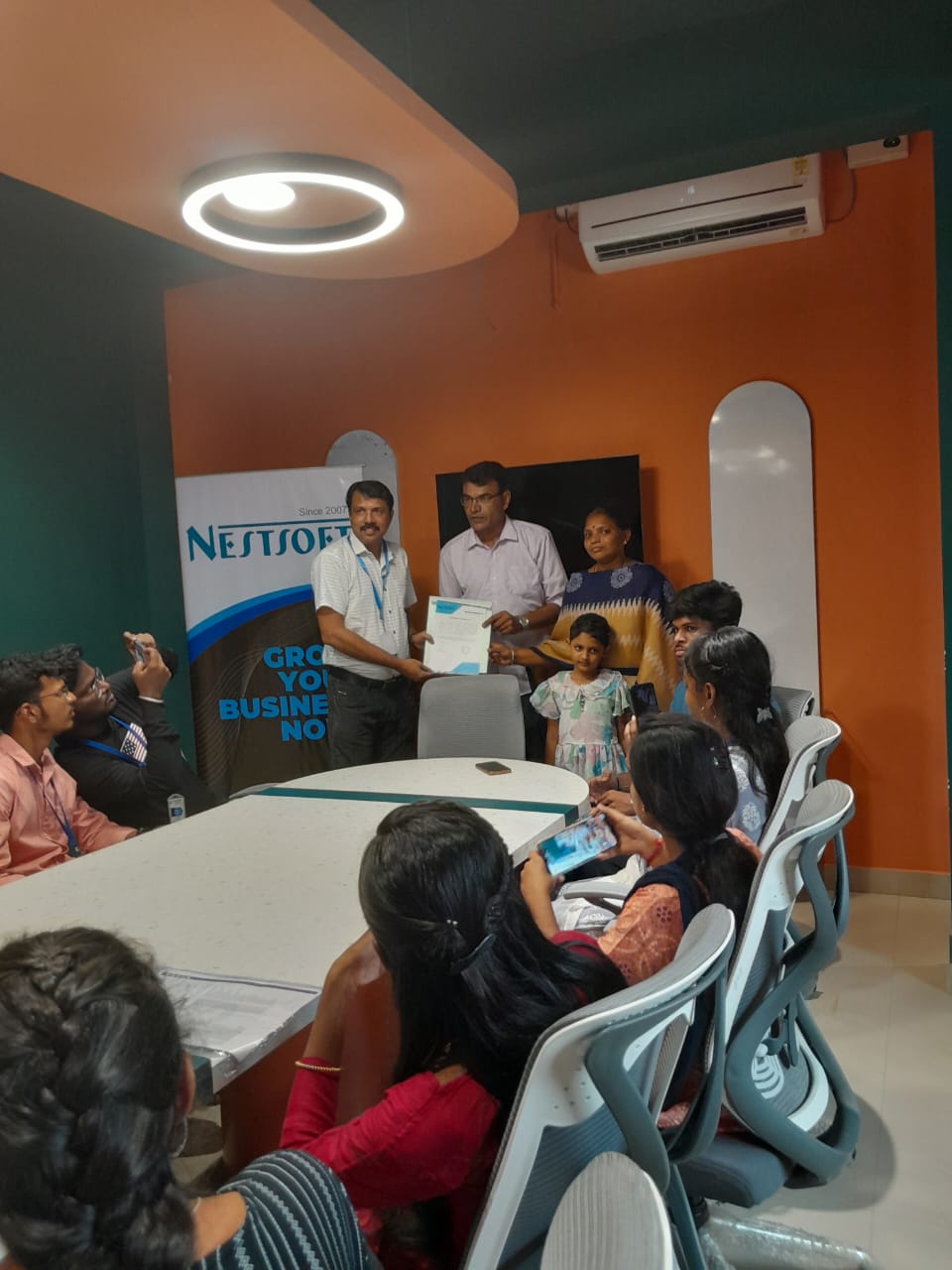
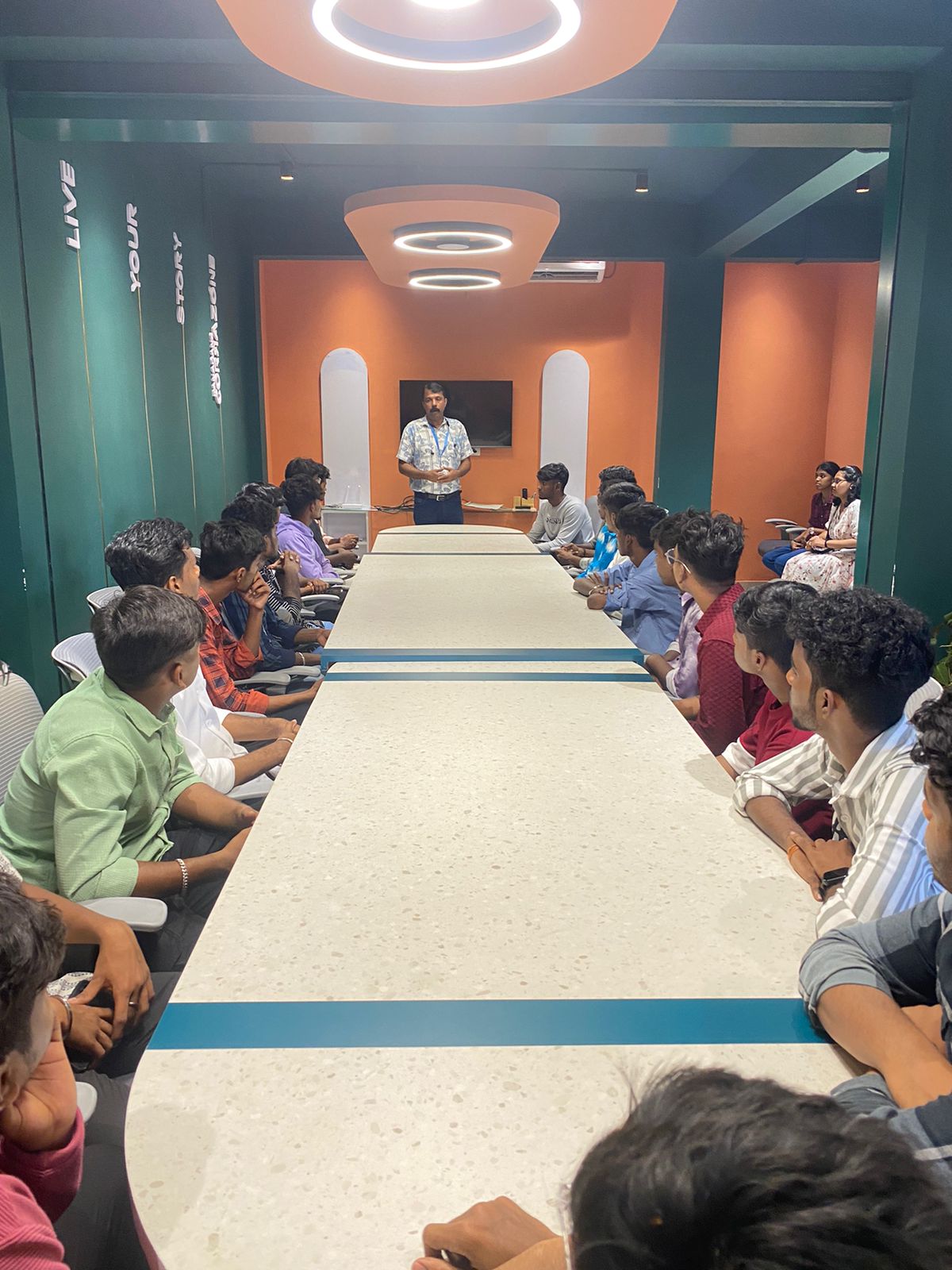
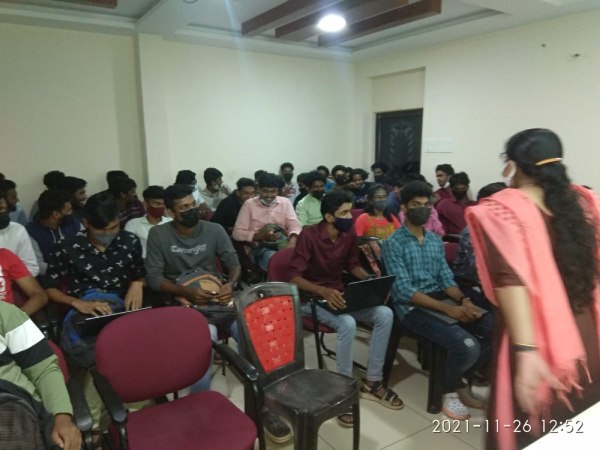
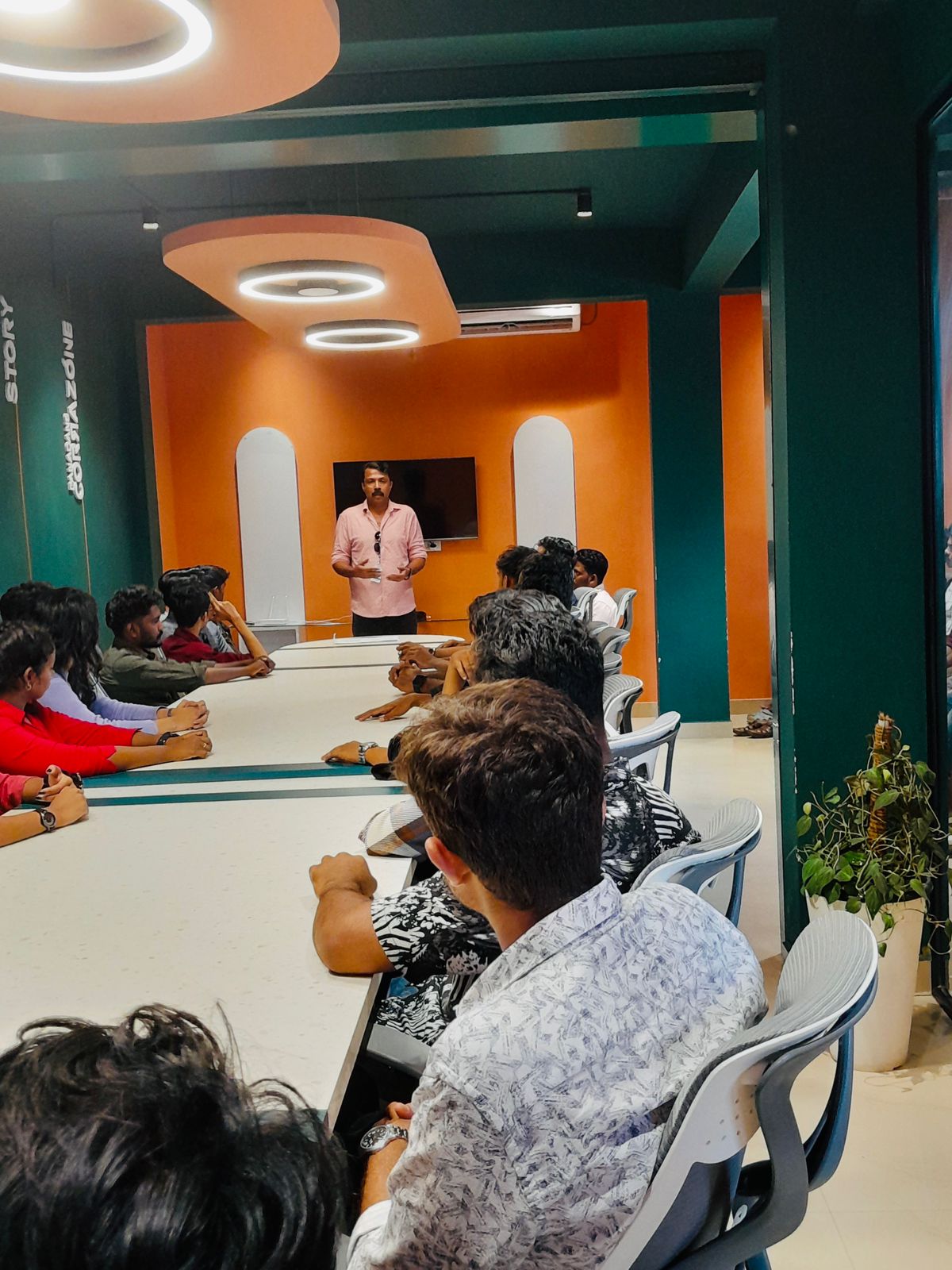
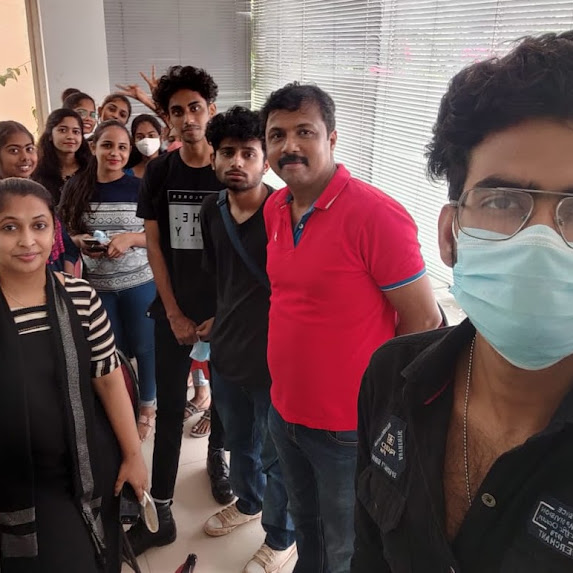
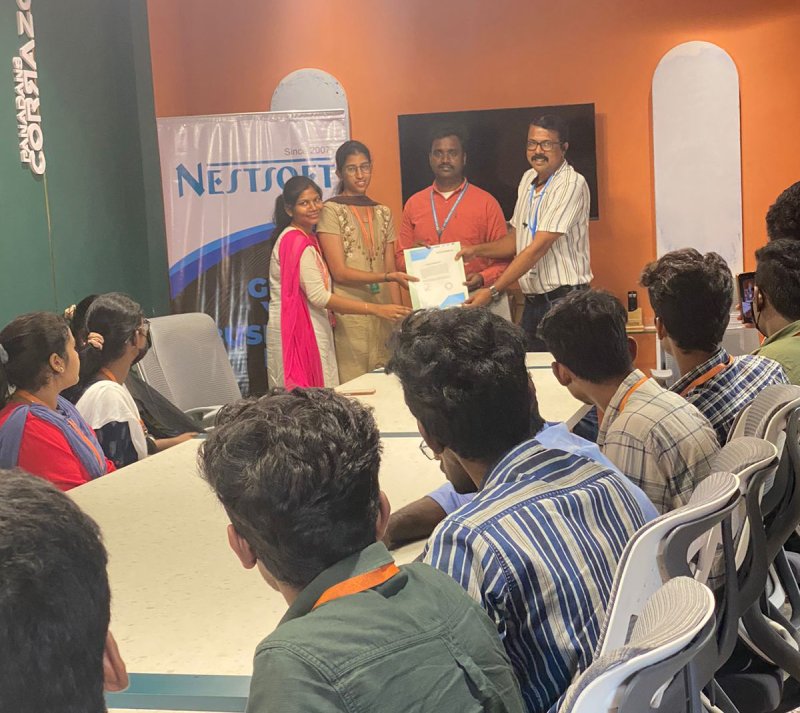
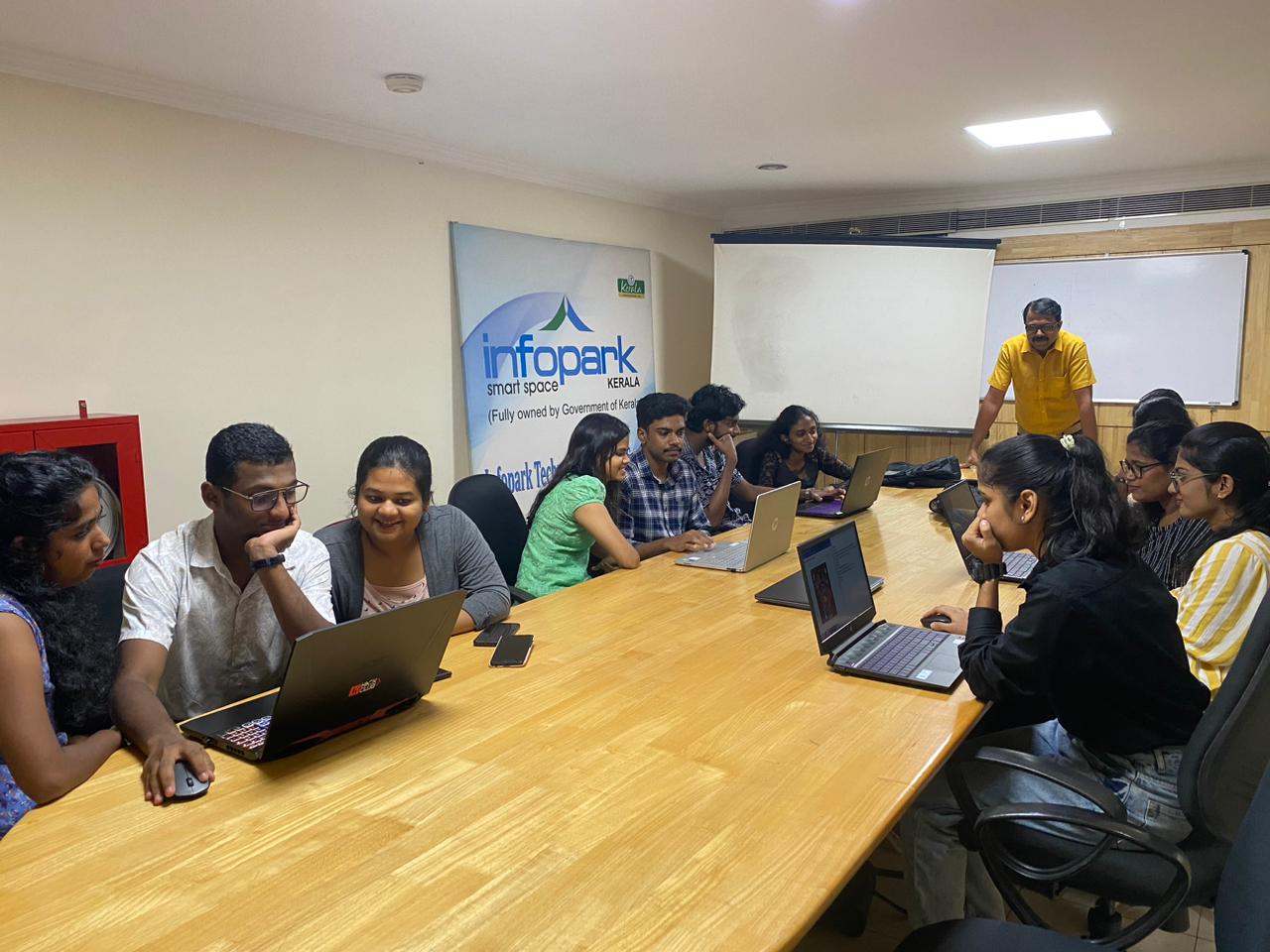
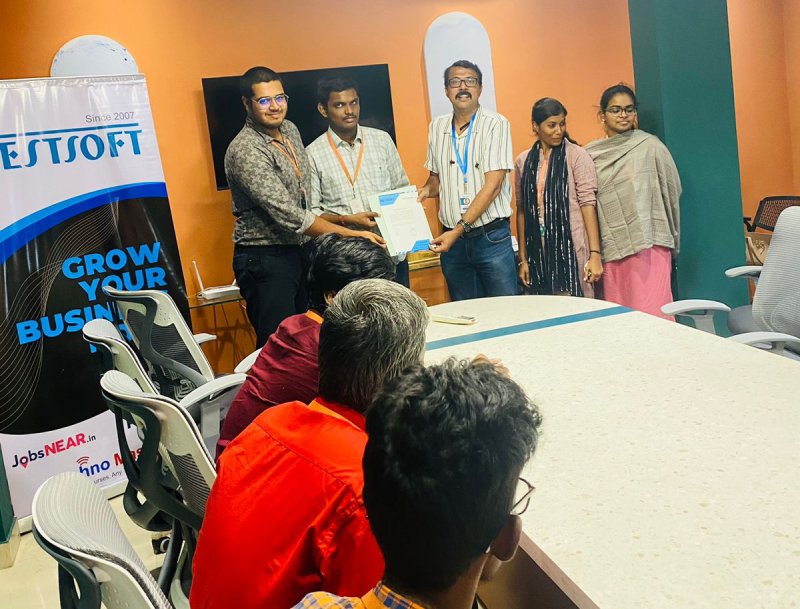
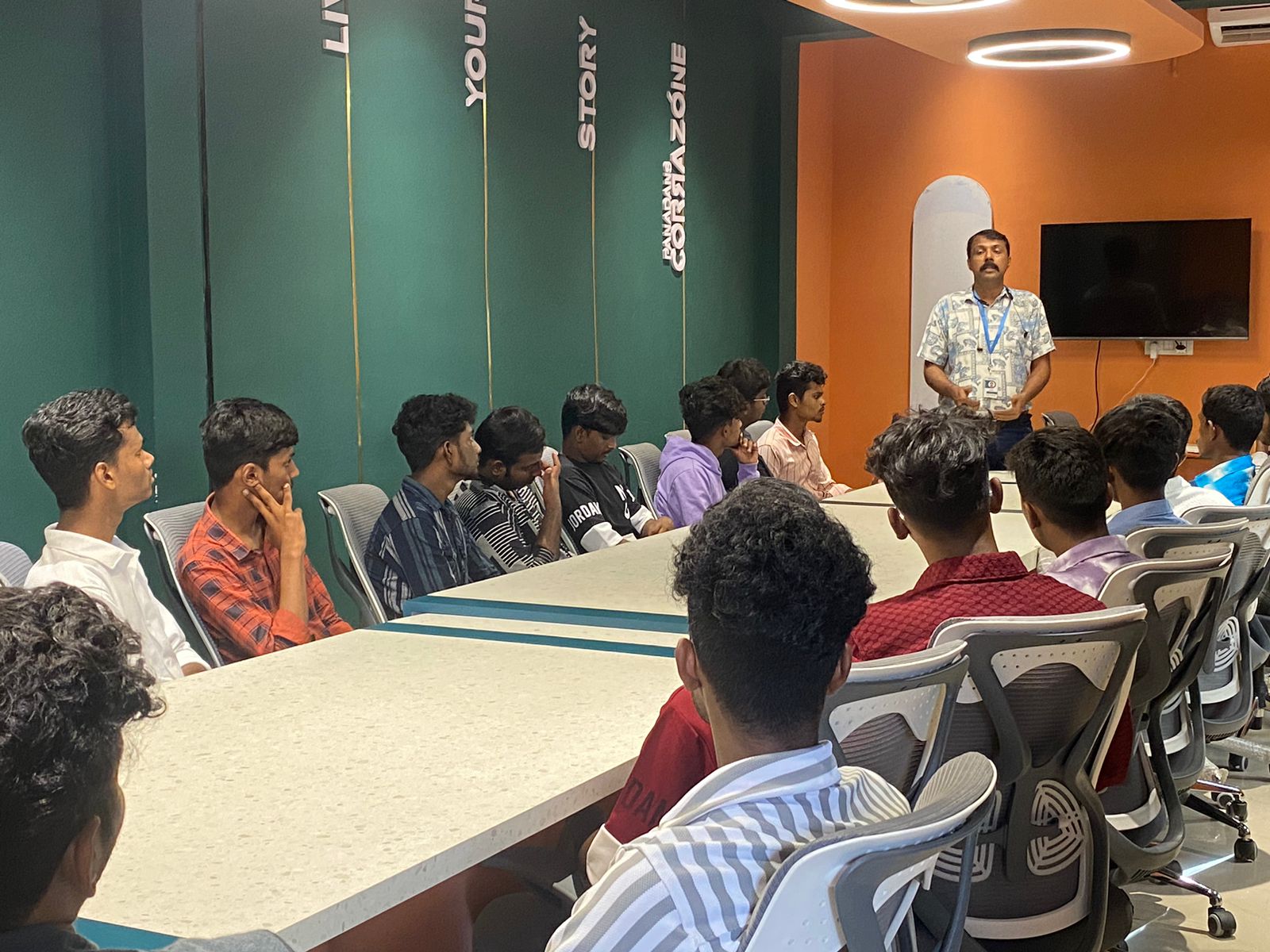
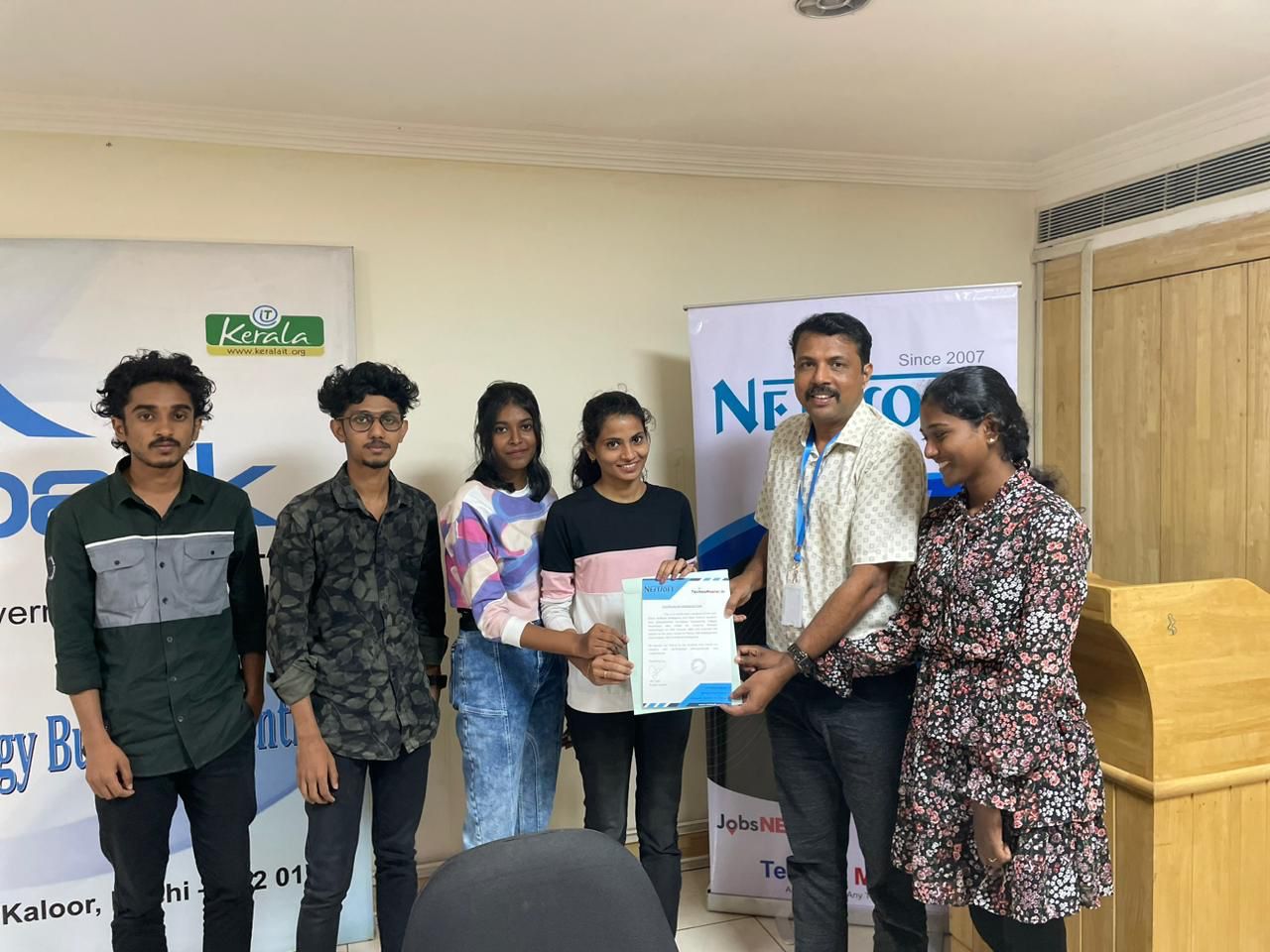
Photos of Training / Internships

Internship/projects in tiruchirappalli

Trained more than 10000+ students who trust Nestsoft TechnoMaster

Get Your Personal Trainer