Send enquiry ⏎

Search Engine Marketing (SEM) Online Live Class by Experts

Our Training/Internship Process

Search Engine Marketing (SEM) Online Live Classes in Mumbai | Free Demo Training

Search Engine Marketing (SEM) - Syllabus, Fees & Duration


Module 1: Introduction to Search Engine Marketing

  • Overview of SEM

    • What is Search Engine Marketing?
    • Importance of SEM in Digital Marketing
    • Difference between SEM, SEO, and PPC
  • Understanding Search Engines

    • How search engines work
    • Organic vs. Paid results
    • Key search engine platforms: Google, Bing, Yahoo
  • SEM Terminulogies

    • CPC, CTR, Quality Score, Conversion Rate, etc.

Module 2: Google Ads Basics

  • Introduction to Google Ads

    • Types of Google Ads campaigns
    • Google Ads account setup
    • Interface overview and navigation
  • Campaign Types

    • Search campaigns
    • Display campaigns
    • Shopping ads
    • Video campaigns (YouTube Ads)
    • Performance Max campaigns
  • Keyword Research

    • Importance of keywords in SEM
    • Keyword research touls (Google Keyword Planner, SEMrush, etc.)
    • Long-tail vs. short-tail keywords

Module 3: Setting Up SEM Campaigns

  • Search Campaign Creation

    • Writing effective ad copy
    • Creating ad groups and selecting keywords
    • Using match types: Broad, Phrase, Exact, Negative
  • Display Campaign Creation

    • Designing image and responsive ads
    • Targeting options: Audience, demographics, interests
  • Bid Strategies

    • Manual CPC vs. Automated bidding
    • Enhanced CPC, Target CPA, Target ROAS

Module 4: Optimization Techniques

  • Quality Score Optimization

    • Factors affecting Quality Score: CTR, Ad Relevance, Landing Page Experience
  • Landing Page Optimization

    • Creating user-friendly, mobile-optimized landing pages
    • A/B testing for landing pages
  • Ad Extensions

    • Types of extensions: Sitelinks, Callouts, Structured Snippets
    • Best practices for using ad extensions

Module 5: Analytics and Performance Tracking

  • Introduction to Google Analytics

    • Setting up and linking Google Analytics with Ads
    • Tracking conversions and goals
  • Analyzing Campaign Performance

    • Understanding metrics: Impressions, clicks, conversions
    • Using reports for insights (Search Query Report, Auction Insights)
  • Campaign Optimization

    • Improving CTR, CPC, and conversion rate
    • Identifying and pausing underperforming keywords

Module 6: Advanced SEM Strategies

  • Remarketing Campaigns

    • Understanding remarketing
    • Setting up audience lists
    • Dynamic remarketing with display ads
  • Competitor Analysis

    • Touls for competitor analysis (SpyFu, Ahrefs, SEMrush)
    • Building strategies to outrank competitors
  • Geo-Targeting and Local Search Ads

    • Importance of location-based targeting
    • Setting up and optimizing local ads

Module 7: Bing Ads and Other Platforms

  • Overview of Bing Ads

    • Setting up Bing Ads account
    • Importing campaigns from Google Ads
  • Advertising on Other Platforms

    • Yahoo Ads
    • DuckDuckGo Advertising

Module 8: Budgeting and ROI in SEM

  • Budget Allocation

    • How to set and manage ad budgets
    • Daily vs. monthly budgets
  • Measuring ROI in SEM

    • Calculating ROI for SEM campaigns
    • Optimizing for profitability

Module 9: SEM Touls and Automation

  • Touls for SEM Management

    • SEMrush, Ahrefs, SpyFu, and Ubersuggest
    • Using Google Ads Editor
  • Automation in SEM

    • Using scripts for automation
    • Smart bidding and AI-powered features

Module 10: SEM Best Practices and Trends

  • SEM Best Practices

    • Ad copywriting tips
    • Avoiding common SEM mistakes
  • Emerging Trends in SEM

    • Voice search and its impact
    • AI and machine learning in SEM

Module 11: Capstone Project

  • Create and manage a live SEM campaign
  • Analyze and optimize performance
  • Present findings and strategy

Download Syllabus - Search Engine Marketing (SEM)
This syllabus is not final and can be customized as per needs/updates
   
10000+
20+
50+
25+

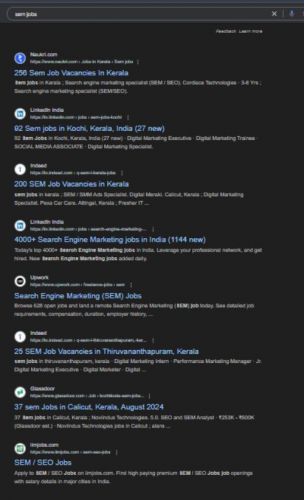
Search Engine Marketing (SEM) Jobs in Mumbai

Enjoy the demand

Find jobs related to Search Engine Marketing (SEM) in search engines (Google, Bing, Yahoo) and recruitment websites (monsterindia, placementindia, naukri, jobshybrid.com, indeed.co.in, shine.com etc.) based in Mumbai, chennai and europe countries. You can find many jobs for freshers related to the job positions in Mumbai.

  • SEM Specialist
  • PPC (Pay-Per-Click) Specialist
  • Digital Marketing Specialist
  • Google Ads Specialist
  • Search Engine Marketing Manager
  • Performance Marketing Manager
  • Conversion Rate Optimization (CRO) Specialist
  • E-commerce Marketing Specialist
  • Freelance SEM Consultant
  • Data Analyst – SEM

Search Engine Marketing (SEM) Internship/Course Details

Search Engine Marketing (SEM) internship jobs in Mumbai
Search Engine Marketing (SEM) Learn the fundamentals of SEM, including keyword research, ad creation, bidding strategies, and performance analysis using platforms like Google Ads and Bing Ads. . The Search Engine Marketing (SEM) course provides comprehensive training on creating, managing, and optimizing paid search campaigns to drive targeted traffic and maximize ROI. Explore advanced concepts like remarketing, geo-targeting, and campaign automation. Gain hands-on experience with tools like Google Analytics, SEMrush, and Google Ads Editor to enhance campaign efficiency. This course is ideal for digital marketers, entrepreneurs, and professionals seeking expertise in paid search marketing to achieve business goals and outperform competitors.


Meet a Few of our Industry Experts 🚀 Your Pathway to IT Career

srilakshmi

Mobile: +91 91884 77559
Location: Online (Mumbai, India)
Qualification: B. Tech

Experience: Front end developer (html css bootstrap and javascript) Technical support engineer (international voice)   more..

Nivin

Mobile: +91 89210 61945
Location: Online (Mumbai, India)
Qualification: BTech CSE

Experience: I have completed Java full stack development course and I am familiar with Core Java Spring Boot Angular MySQL HTML  more..

NITHIN

Mobile: +91 9895490866
Location: Online (Mumbai, India)
Qualification: BCA

Experience: HTML CSS bootstrap javascript angular Nodejs express Mongodb react 6 month internship at luminar Technolab Calicut Application for Meanstack Developer  more..

Deepesh

Mobile: +91 91884 77559
Location: Online (Mumbai, India)
Qualification: B.E

Experience: Deepesh has an overall 2 10 YOE as a Developer Automation tester in Deloitte’s Financial Services He has experience in  more..

Aayush

Mobile: +91 94975 90866
Location: Online (Mumbai, India)
Qualification: 12pass

Experience: I used for canava for 2year experience for logo design   more..

Kajal

Mobile: +91 89210 61945
Location: Online (Mumbai, India)
Qualification: BTECH

Experience: NodeJS ExpressJS javascript python AWS Socket IO HTML CSS TypeScript  more..

Nikita

Mobile: +91 91884 77559
Location: Online (Mumbai, India)
Qualification: MCA

Experience: Quickblox • Retrofit • Asynctask • Stripe • Sms gateway • RoomDatabase • SQLite • Razorpay Integration • Push Notification  more..

Rahul

Mobile: +91 8301010866
Location: Online (Mumbai, India)
Qualification: BCA

Experience: hello sir My name is rahul i am 20 year's old i ma recently completed in BCA and parentage 84%  more..

Vasa

Mobile: +91 98474 90866
Location: Online (Mumbai, India)
Qualification: B.Tech

Experience: I am a computer science student I am passionate about graphic design I am using Canva for the past 1  more..

Shankar

Mobile: +91 89210 61945
Location: Online (Mumbai, India)
Qualification: BCA

Experience: Currently I am doing Java full stack development training in qspider gurgaon and I am about Oracle SQL Java HTML  more..

Dilli

Mobile: +91 9895490866
Location: Online (Mumbai, India)
Qualification: Bachelor of technology

Experience: Working on design and Execution of test cases Participated in iteration walkthrough calls and understands the new changes Participated in  more..

Mangilal

Mobile: +91 91884 77559
Location: Online (Mumbai, India)
Qualification: B. Tech

Experience: Hello This is mangilal I have 1 year hands on experience as laravel developer Am familiar with c c++ php  more..

Anandkrishnan

Mobile: +91 98474 90866
Location: Online (Mumbai, India)
Qualification: B tech

Experience: Manual and automation testing   more..

Sreeraj

Mobile: +91 94975 90866
Location: Online (Mumbai, India)
Qualification: Bachelor in engineering

Experience: 1 4 years of experience in manual testing Did certified software testing Course from ICT academy Kerala sun automation testing  more..

Nidhin

Mobile: +91 8301010866
Location: Online (Mumbai, India)
Qualification: Msc Mathematics

Experience: I have 6 months experience in Data Science -AI-python-ML -Deep Learning intern at Luminar technolab kochi  more..

Sivakumar

Mobile: +91 94975 90866
Location: Online (Mumbai, India)
Qualification: MCA

Experience: Hi Sir Madam I'm Sivakumar  I'm Google certified and 4 years of experience UI UX Designer I have completed the  more..

Suprit

Mobile: +91 8301010866
Location: Online (Mumbai, India)
Qualification: BE

Experience: Odoo development and commercialization Python - orm Decorators server actions scheduled actions Odoo reports Unix hands-on experience Requirements gathered analysed  more..

ALEENA

Mobile: +91 91884 77559
Location: Online (Mumbai, India)
Qualification: B.Tech

Experience: I am submitting my resume for the position of QA Tester I have completed four-month training in software testing During  more..

Gincy

Mobile: +91 98474 90866
Location: Online (Mumbai, India)
Qualification: B.Tech

Experience: Angular Ionic developer with 9+ year experienceApplication for Angular JS  more..

Murali

Mobile: +91 91884 77559
Location: Online (Mumbai, India)
Qualification: Bsc computer science

Experience: Fresher Web design i know   more..

Subhasish

Mobile: +91 89210 61945
Location: Online (Mumbai, India)
Qualification: M.sc(Math)

Experience: Laravel Codeigniter php mysql  more..

Putta

Mobile: +91 91884 77559
Location: Online (Mumbai, India)
Qualification: B.tech

Experience: HTML Java SQL Python programming languages  more..

Dhivya

Mobile: +91 91884 77559
Location: Online (Mumbai, India)
Qualification: B.E computer science

Experience: AWS services Devops terraform Jenkins docker and docker hub GIt and GitHub Ansible python Linux windows shell scripting  more..

Stuti

Mobile: +91 91884 77559
Location: Online (Mumbai, India)
Qualification: currently in my final year B.tech

Experience: android java kotlin firebase git  more..

Success Stories

The enviable salary packages and track record of our previous students are the proof of our excellence. Please go through our students' reviews about our training methods and faculty and compare it to the recorded video classes that most of the other institutes offer. See for yourself how TechnoMaster is truly unique.

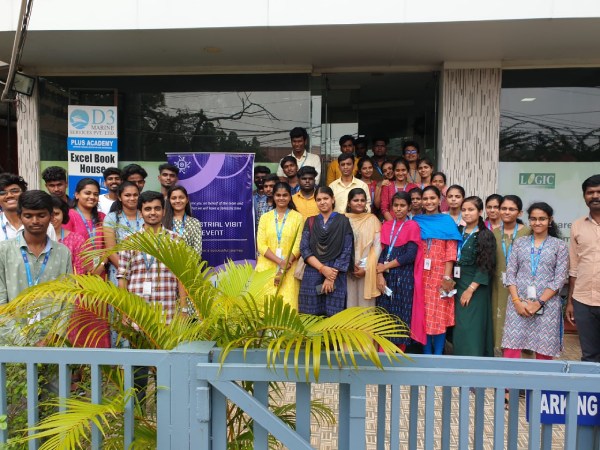
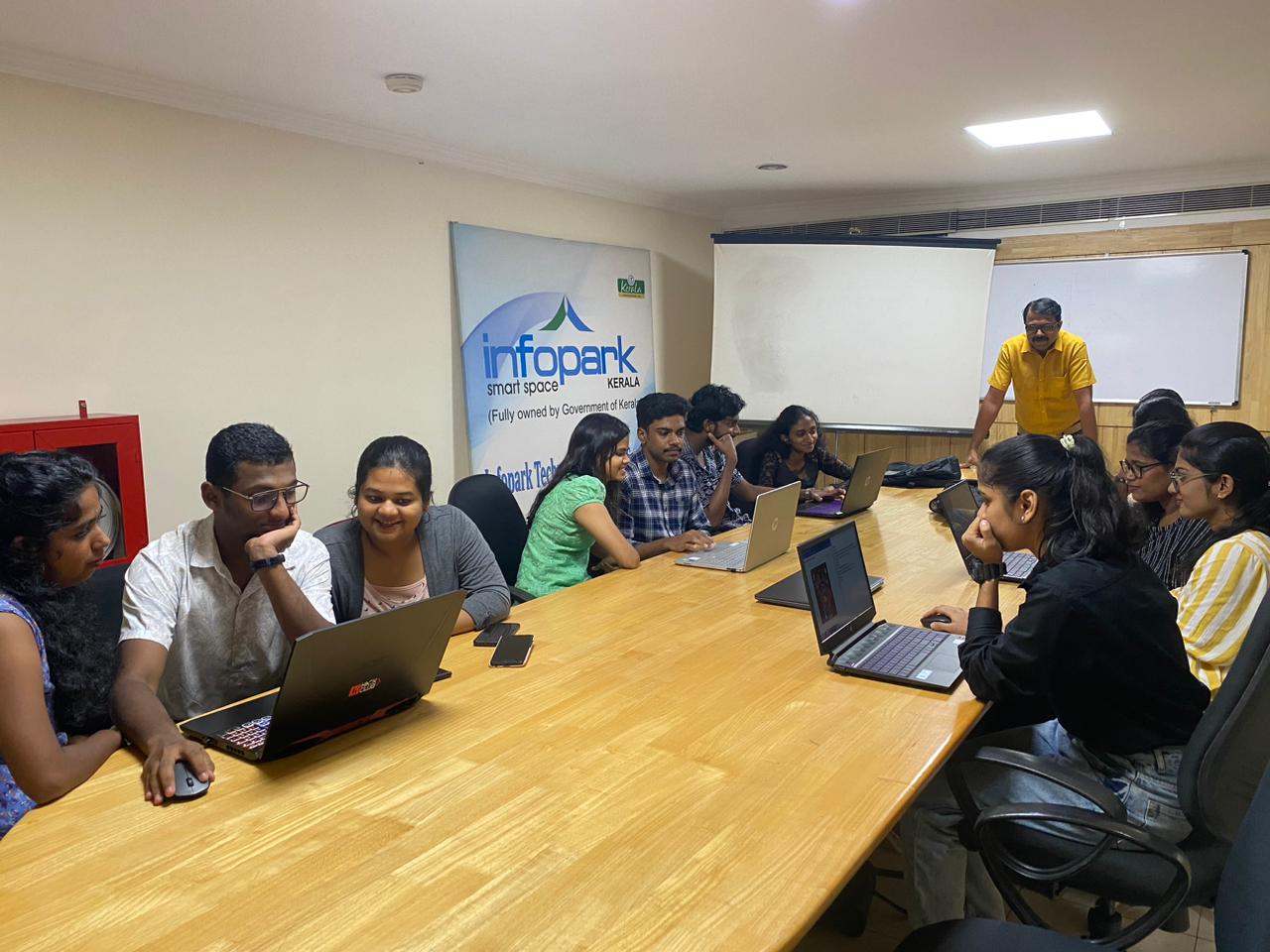
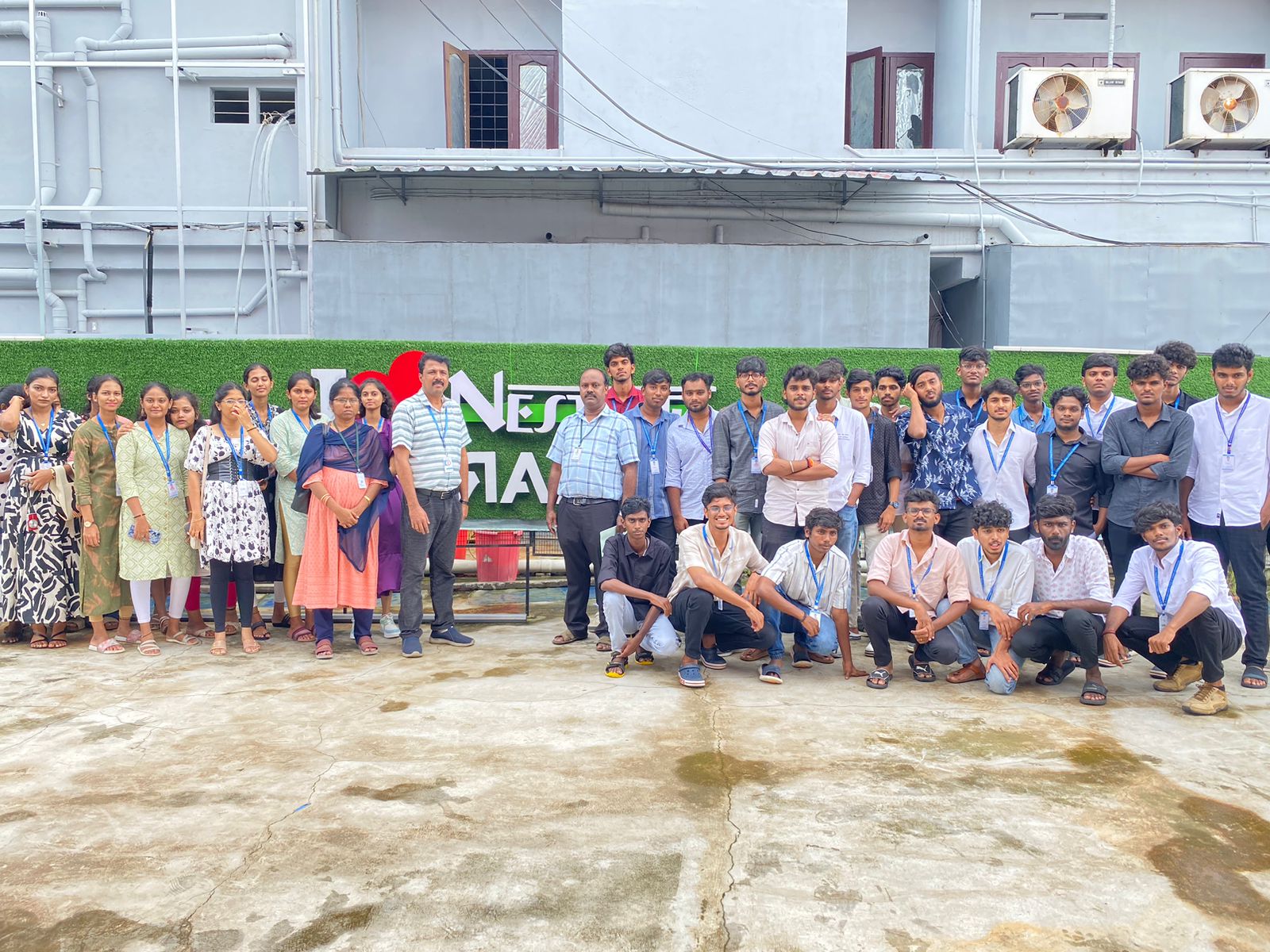
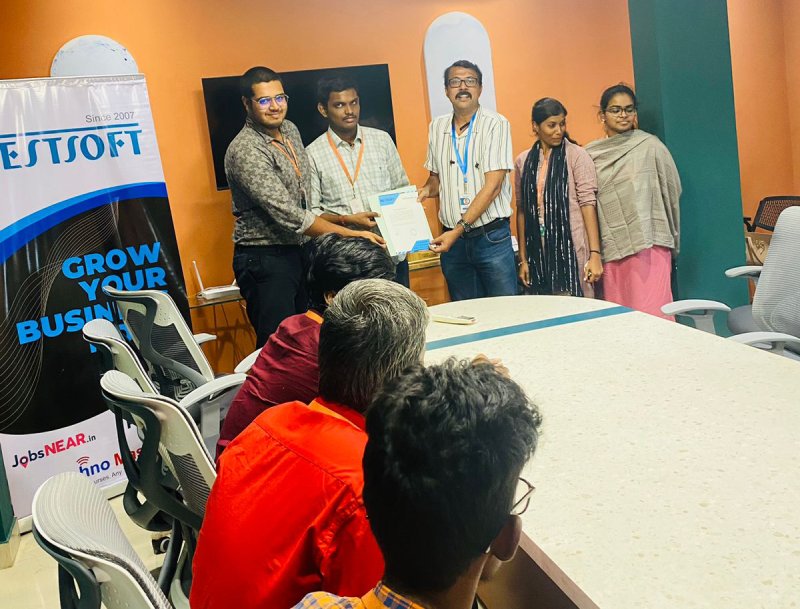
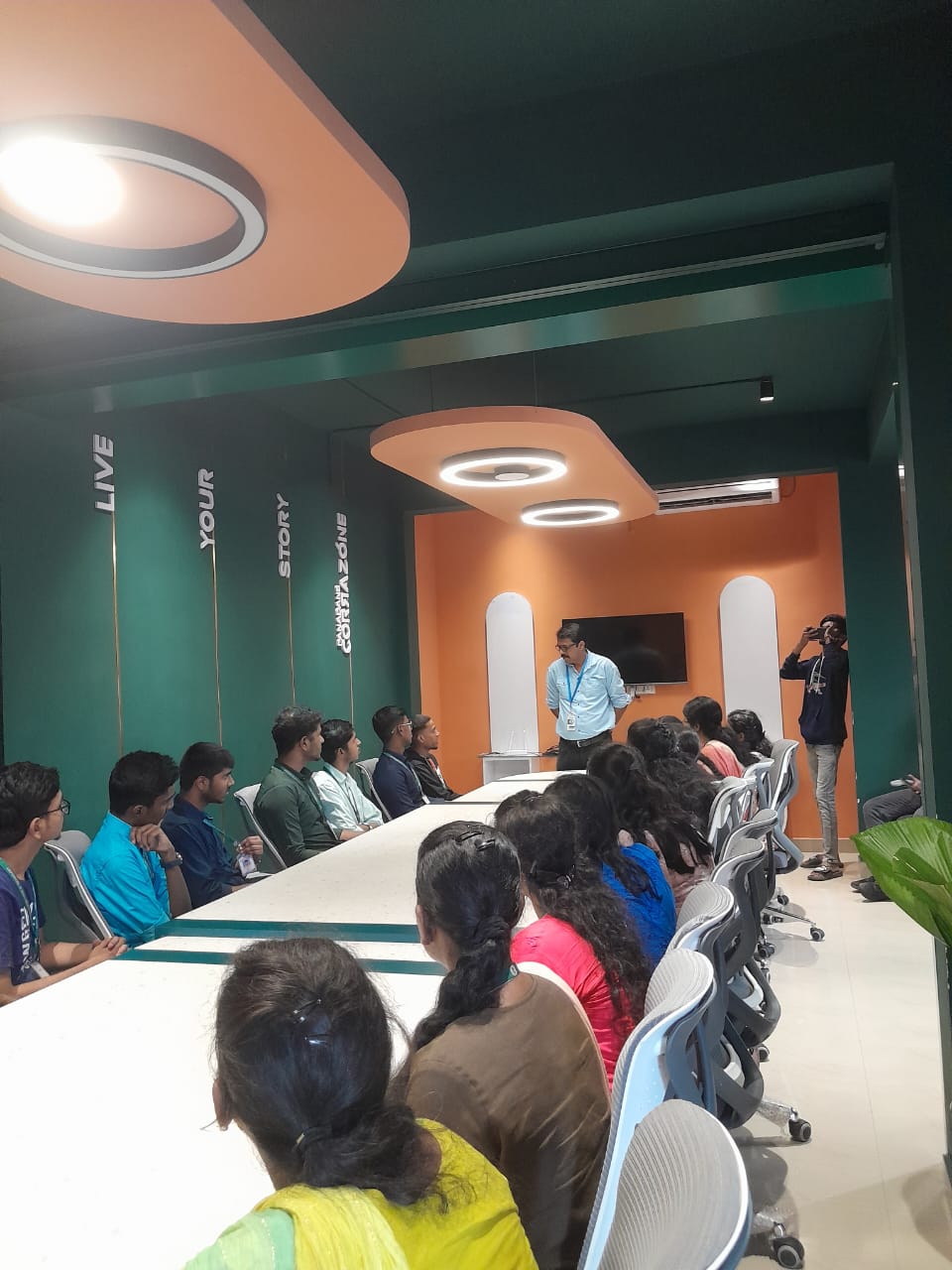
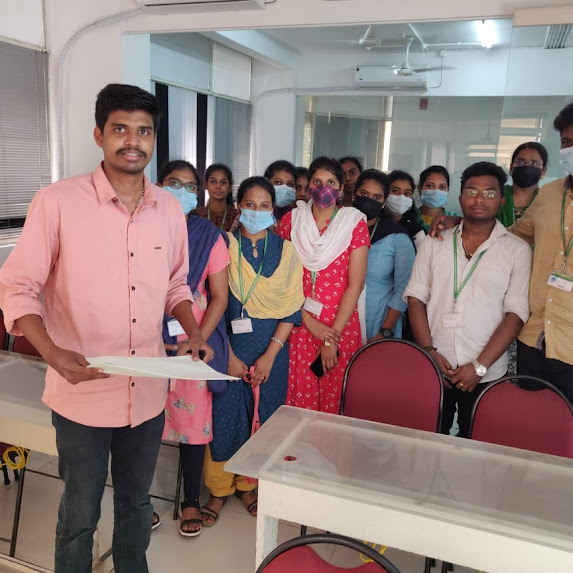
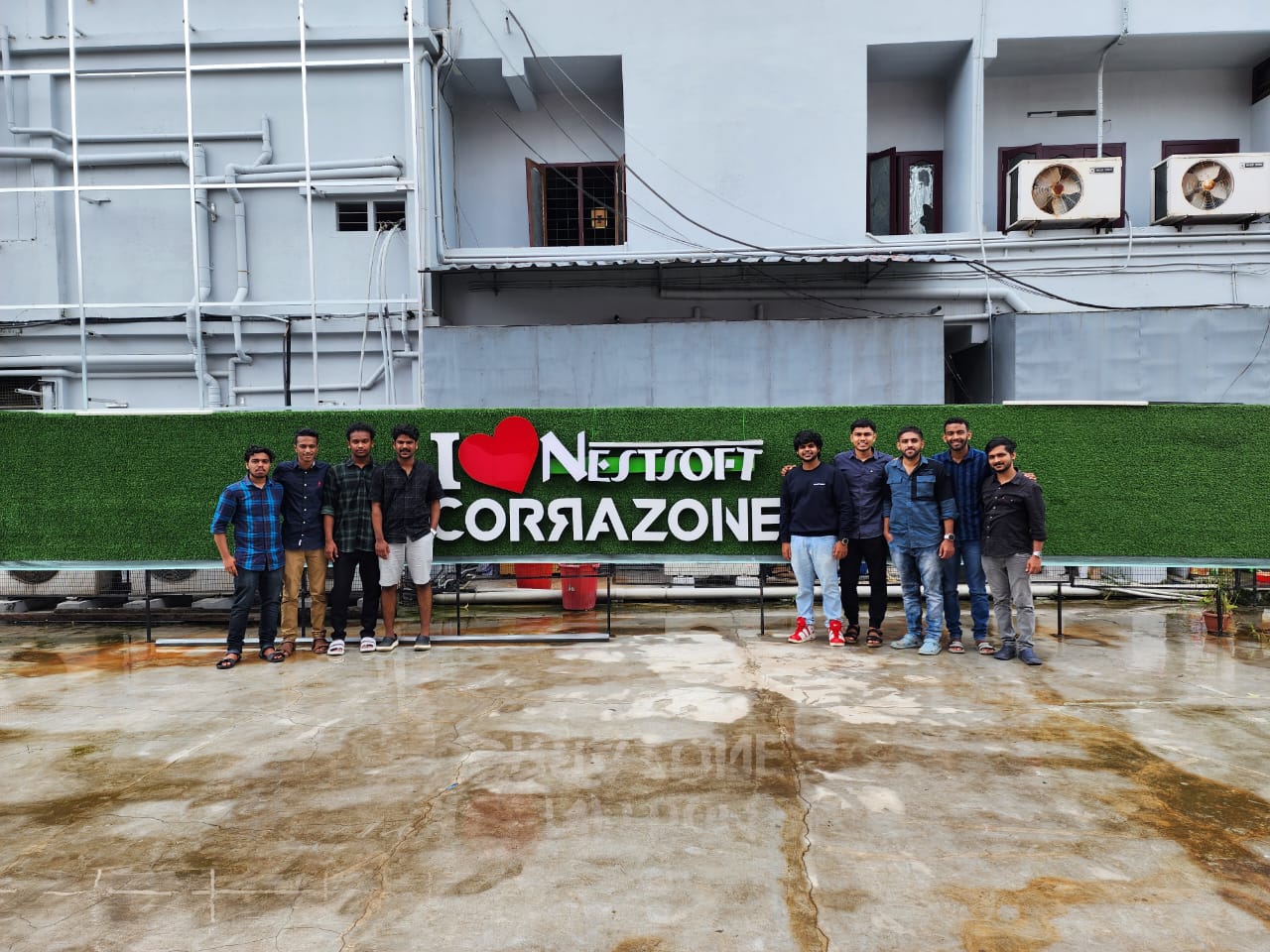
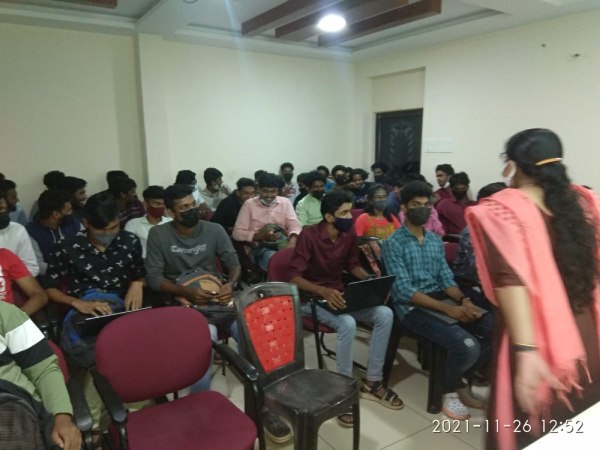
Photos of Training / Internships

Internship/projects in mumbai

Trained more than 10000+ students who trust Nestsoft TechnoMaster

Get Your Personal Trainer