Send enquiry ⏎

Software Testing (Manual) Online Live Class by Experts

Our Training/Internship Process

Software Testing (Manual) Online Live Classes in Madurai | Free Demo Training

Software Testing (Manual) - Syllabus, Fees & Duration

Manual Testing Syllabus

    MODULE 1 - Introduction to Manual Testing
    • What is Software testing?
    • Importance of Software testing
    • Basic terminology of Software testing
    • Difference between Manual and Automated Testing
    • Software testingPrinciples
    • Levels of Testing
    MODULE 2 – SDLC and STLC
    • Software development life cycle
    • Requirements phase
    • Analysis phase
    • Design phase
    • Coding phase
    • Testing phase
    • Release and maintenance phase
    • Software Development life cycle models
    • Waterfall model
    • Agile model
    • Spiral model
    • V model
    • Software Testing Life Cycle
    • Testing Constraints
    MODULE 3 – Static and Dynamic Testing
    • Static Test Design
    • Formal review
    • Informal reviews
    • Walkthroughs
    • Technical review
    • Inspection
    • Dynamic test design
    • White-box testing
    • White-box testing technique
    • Black box testing
    • Black box testing technique
    • Grey box testing
    MODULE 4 – Test Plan and Test Case Documents
    • Test plan document
    • Scope of document
    • Objective of testing
    • Customisation of Test Plan document
    • Requirement Traceability Matrix
    • Importance of Test case
    • Test case template
    • Test Scenario
    • Test Strategy
    MODULE 5 – Types of Testing
    • Functional Testing Types
    • Sanity Testing
    • Smoke Testing
    • Retesting
    • Regression testing
    • Adhoc testing and types
    • UI testing
    • Positive Testing
    • Negative Testing
    • Alpha and Beta Testing
    • Non-functional Testing
    • Performance testing
    • Load testing
    • Stress Testing
    • Volume Testing
    • Security testing
    • Portability testing
    MODULE 6 – Bug Report and Test Report Documents
    • What is a bug?
    • Bug life cycle
    • Severity
    • Priority
    • Types of Bugs
    • Bug Report Template
    • Metric types and calculation
    • Test Report Template

Download Syllabus - Software Testing (Manual)
This syllabus is not final and can be customized as per needs/updates
   
10000+
20+
50+
25+

Software Testing (Manual) Jobs in Madurai

Enjoy the demand

Find jobs related to Software Testing (Manual) in search engines (Google, Bing, Yahoo) and recruitment websites (monsterindia, placementindia, naukri, jobshybrid.com, indeed.co.in, shine.com etc.) based in Madurai, chennai and europe countries. You can find many jobs for freshers related to the job positions in Madurai.

  • Manual tester
  • Software test engineer
  • Test engineer-manual testing
  • QA engineer - manual testing
  • Automation/manual testing
  • Quality Assurance Engineer
  • Software manual tester
  • Analyst- manual testing
  • Quality engineer
  • Manual test engineer.

Software Testing (Manual) Internship/Course Details

Software Testing (Manual) internship jobs in Madurai
Software Testing (Manual) There are a variety of manual testing methods to choose from. It's a time-consuming process that requires the tester to be alert, resourceful, skilled, opinionated, speculative, and innovative, among other attributes. The topics learned in class can be applied to real-world initiatives in businesses. Manual software testing takes longer and requires more effort, but it is necessary to see if automation is viable. Are a low-cost activity that does not necessitate the use of automation tools. In the long run, it is also cost-effective. Manual software testing is simple to learn for new testers. Before any creative application can be automated, it must first be manually tested. Manual testing permits human observation, which may be more real for noticing potential flaws in dynamically accusing GUI designs and usability testing. You should also be familiar with software code and have a good understanding of test management software and programming languages.


Meet a Few of our Industry Experts 🚀 Your Pathway to IT Career

Rupamudra

Mobile: +91 91884 77559
Location: Online (Madurai, India)
Qualification: Mca

Experience: 1 5 years experience in frontend developer my skill Html Css javascript And SEO bootstrap SSL update   more..

Sachin

Mobile: +91 8301010866
Location: Online (Madurai, India)
Qualification: Mcom

Experience: rocessed all orders for Machining part supply packaging supplies office supplies maintenance safety supplies research & development and capital expense  more..

Priyadharshini

Mobile: +91 9895490866
Location: Online (Madurai, India)
Qualification: Bachelor of computer science engineering

Experience: Involved in Selenium – Java automation testing Involved in Mobile Testing to verify Test requirements Involved in Web Application Testing  more..

SHARMI

Mobile: +91 91884 77559
Location: Online (Madurai, India)
Qualification: Post Graduate

Experience: I have 2years experienced in odoo industry I have worked 100+ qweb reports I have worked modules are CRM Sales  more..

pratik

Mobile: +91 91884 77559
Location: Online (Madurai, India)
Qualification: Bsc-IT

Experience: Proficient in HTML CSS and Bootstrap Solid understanding of web development principles and best practices Experience in creating responsive and  more..

Kaviya

Mobile: +91 91884 77559
Location: Online (Madurai, India)
Qualification: B.Sc IT

Experience: I have completed python full stack developer course  more..

Akshay

Mobile: +91 8301010866
Location: Online (Madurai, India)
Qualification: Bsc Computerscience

Experience: Node js express js angular js react js mongidbApplication for Meanstack Developer Mean Stack  more..

Vidhya

Mobile: +91 91884 77559
Location: Online (Madurai, India)
Qualification: Mca

Experience: React angular Nodejs netApplication for Angular JS  more..

Soni

Mobile: +91 91884 77559
Location: Online (Madurai, India)
Qualification: Pursuing MCA

Experience: I hope this message finds you well I'm recognised as a full stack developer I believe that my skills and  more..

Aswathy

Mobile: +91 9895490866
Location: Online (Madurai, India)
Qualification: Bsc computer science

Experience: 6 month experience in web developer at Amrita Vishwavidyapeeth   more..

Sumit

Mobile: +91 98474 90866
Location: Online (Madurai, India)
Qualification: Btech

Experience: Looking for nodejs developer And working in flyweis technology for 1 5 years Proficient in using TWILIO to get otp  more..

Sahil

Mobile: +91 91884 77559
Location: Online (Madurai, India)
Qualification: M.sc(Comp.Sci)

Experience: Skills : JavasScript Java C++ HTML5 CSS3 Tailwind CSS React js React Redux Git MongoDB SQL Building visually appealing user-friendly  more..

Aditya

Mobile: +91 91884 77559
Location: Online (Madurai, India)
Qualification: Diploma in Engineering

Experience: English content curriculum developer IELTS & OET trainer proof reading soft skills training reasoning & verbal ability for competitive exams  more..

Akil

Mobile: +91 91884 77559
Location: Online (Madurai, India)
Qualification: B.E

Experience: Manual Testing Automation Testing (Selenium+Java) Test planning Manual test case preparation Regression testing understanding Accessibility Azure DevOps Technical Support  more..

Mohini

Mobile: +91 9895490866
Location: Online (Madurai, India)
Qualification: b.com

Experience: Recently i started my career in graphic design (Canva)now i want to grow myself in graphic industry skills- logo post  more..

saema

Mobile: +91 8301010866
Location: Online (Madurai, India)
Qualification: BCA

Experience: 5 years of experience in graphic design   more..

RAHUL

Mobile: +91 98474 90866
Location: Online (Madurai, India)
Qualification: btech cse

Experience: As a WordPress developer with three years of experience I have honed my skills in creating dynamic and user-friendly websites  more..

Athira

Mobile: +91 98474 90866
Location: Online (Madurai, India)
Qualification: ME

Experience: Preparing study plan Curriculum development Teaching Computer skills  more..

shreedevi

Mobile: +91 9895490866
Location: Online (Madurai, India)
Qualification: B.E

Experience: I m having 5 years of experience in developing websites using wordpress   more..

Ravi

Mobile: +91 94975 90866
Location: Online (Madurai, India)
Qualification: Diploma

Experience: I have a Total 2 years of experience 6 months internship for MEAN stack 1st year worked as a mean  more..

Johns

Mobile: +91 91884 77559
Location: Online (Madurai, India)
Qualification: B tech computer science and engineering

Experience: I am Johns Thomas fresher Candidate looking forward to start career as a software engineer I am familiar with Java  more..

Dharmaraj

Mobile: +91 94975 90866
Location: Online (Madurai, India)
Qualification: B.com

Experience: Microsoft firewall Network and servers  more..

Lukhman

Mobile: +91 94975 90866
Location: Online (Madurai, India)
Qualification: Be computer science

Experience: Java sql html css networking  more..

Lakshmana

Mobile: +91 9895490866
Location: Online (Madurai, India)
Qualification: BE CSE

Experience: Subject: Application for Content Writer Position at Jar Company Dear Hiring Manager I am writing to express my strong interest  more..

Success Stories

The enviable salary packages and track record of our previous students are the proof of our excellence. Please go through our students' reviews about our training methods and faculty and compare it to the recorded video classes that most of the other institutes offer. See for yourself how TechnoMaster is truly unique.

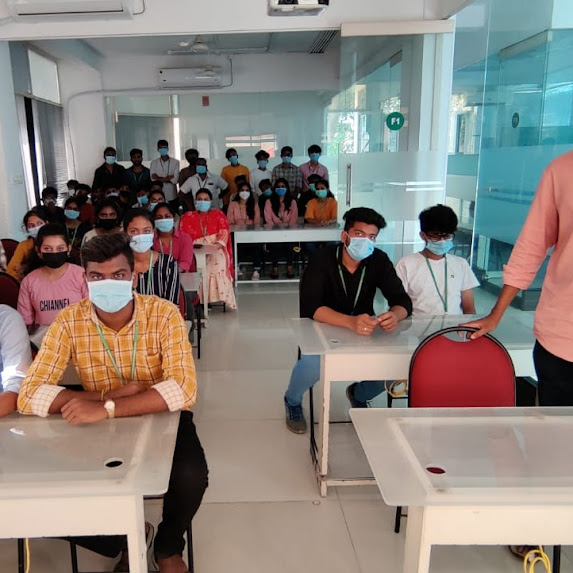
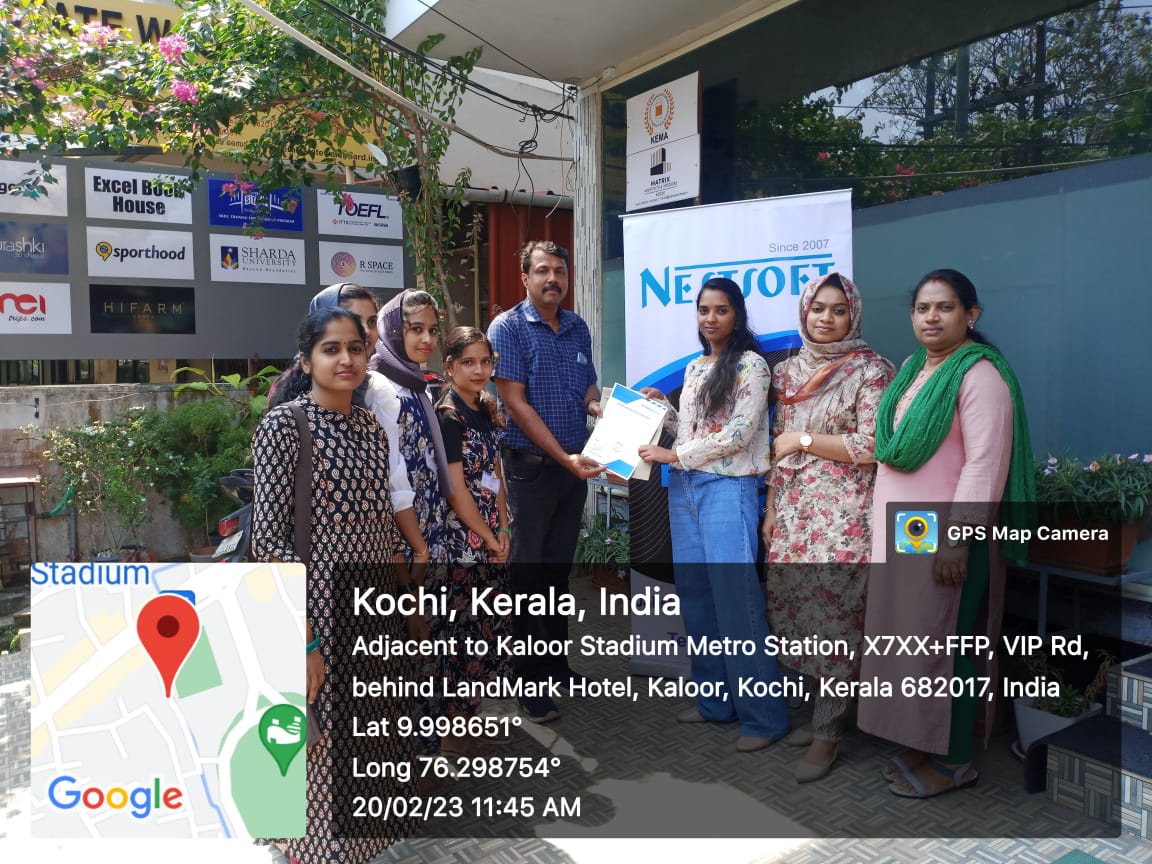
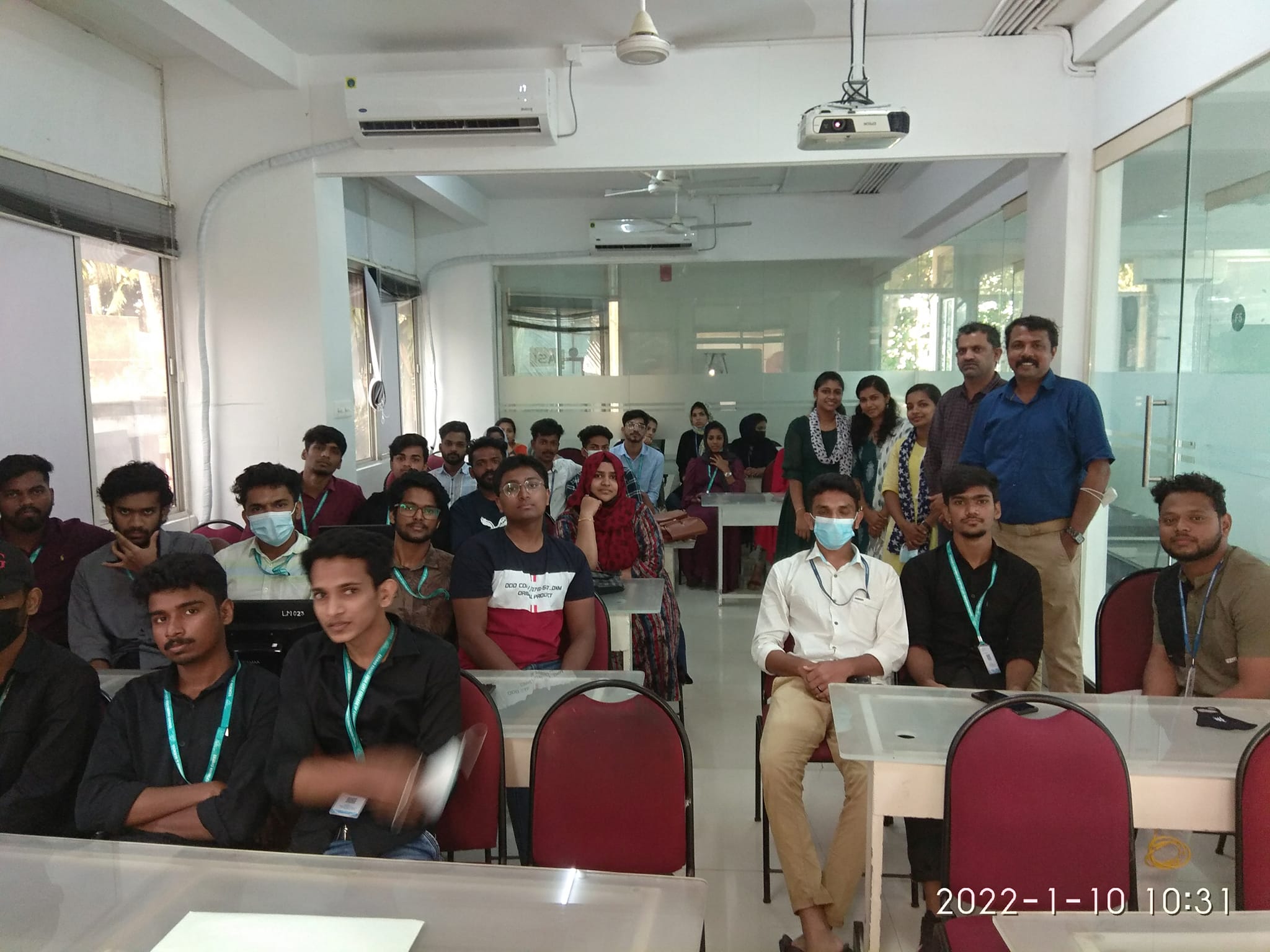
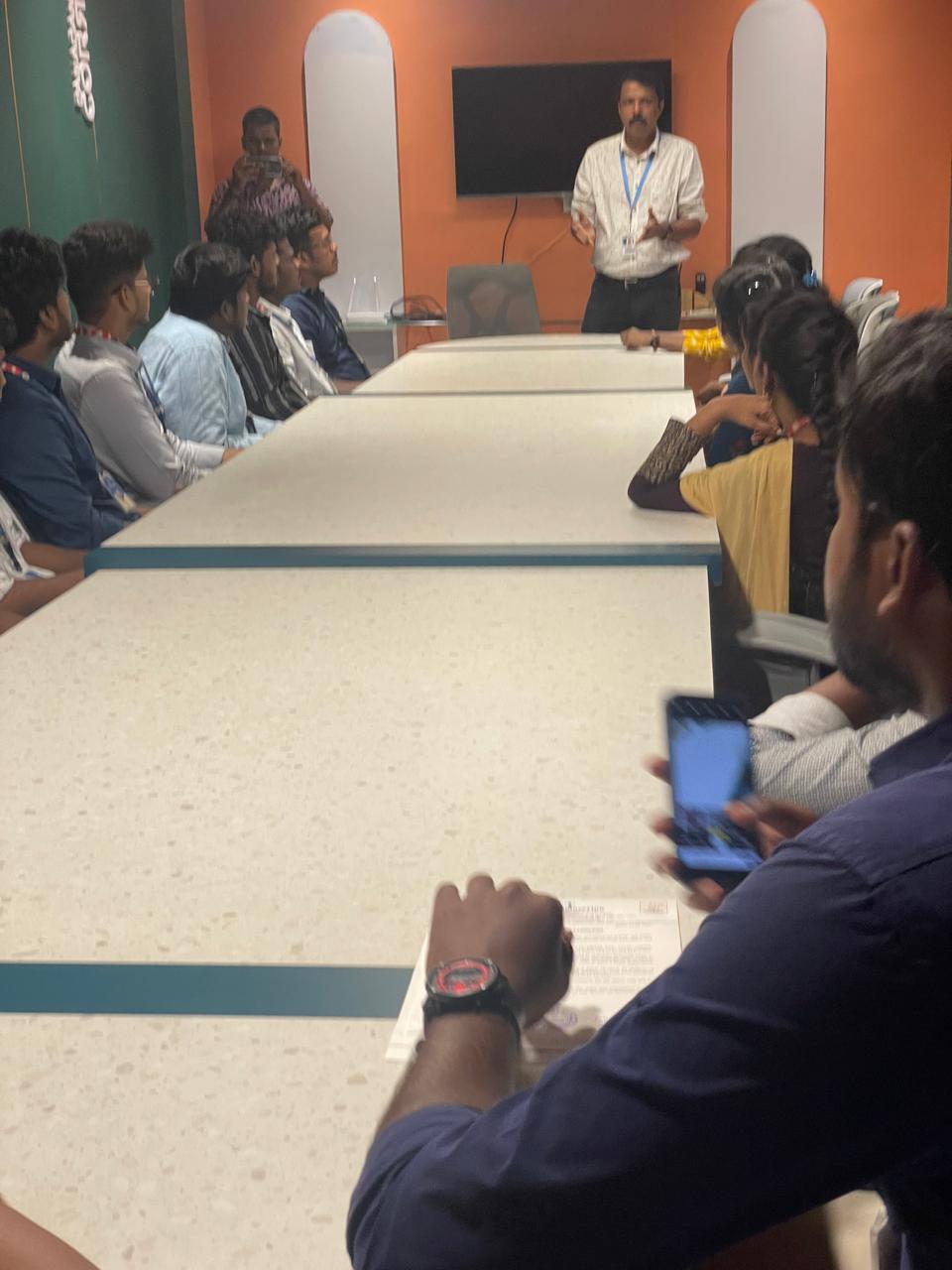
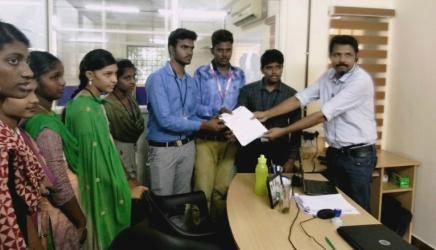
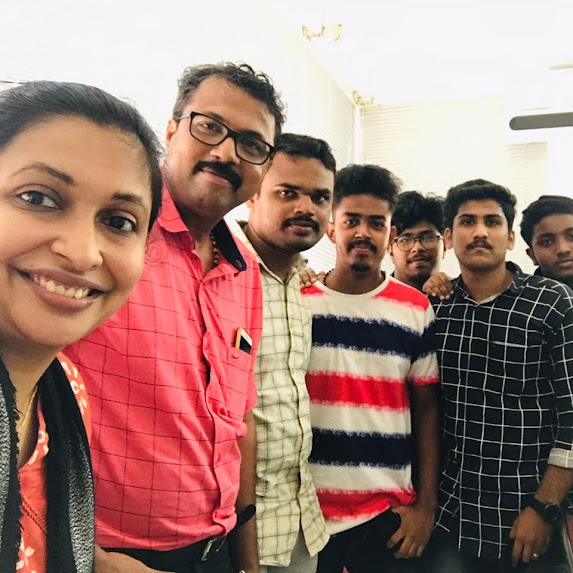
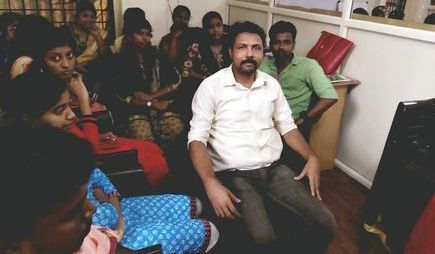
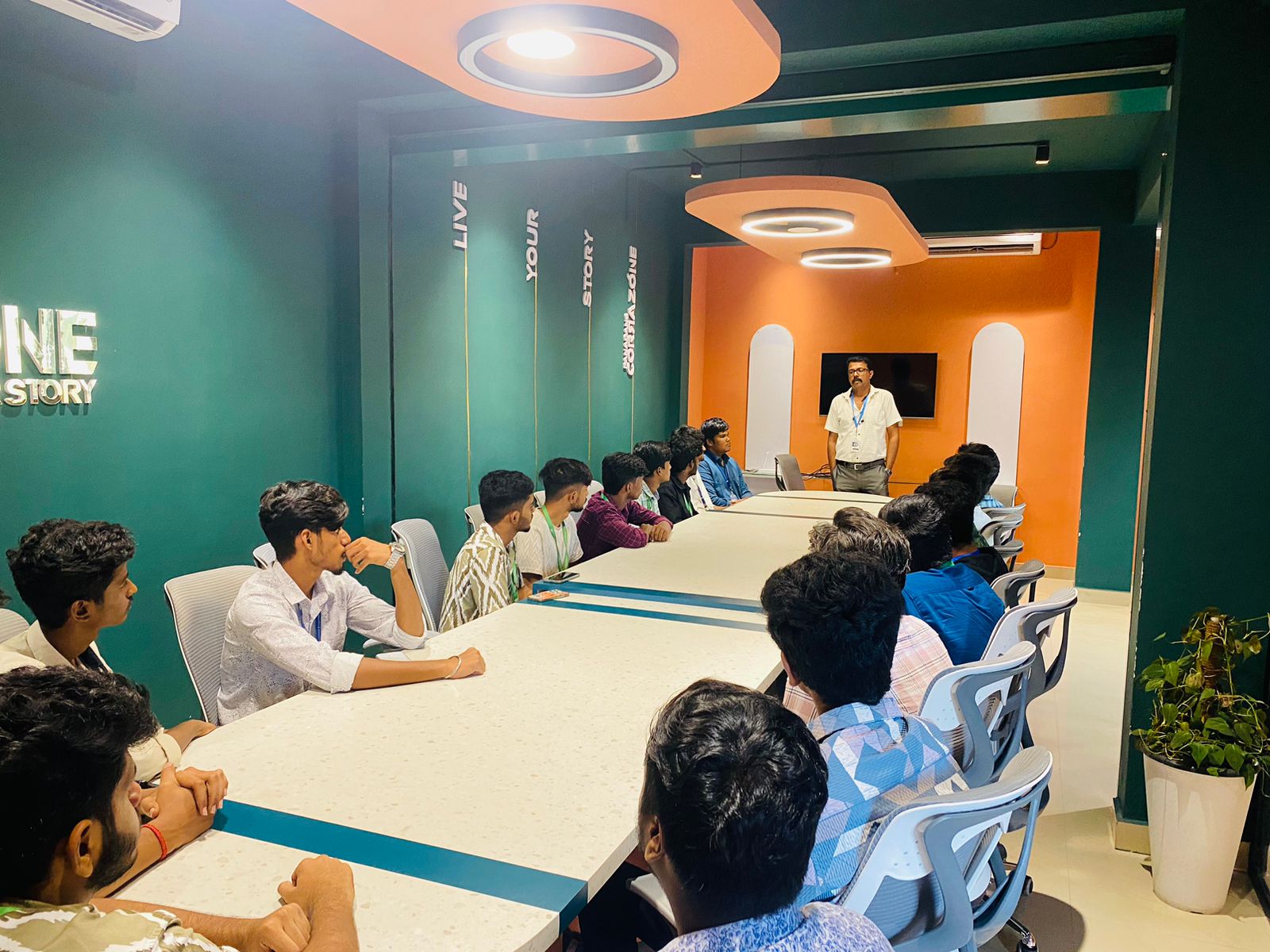
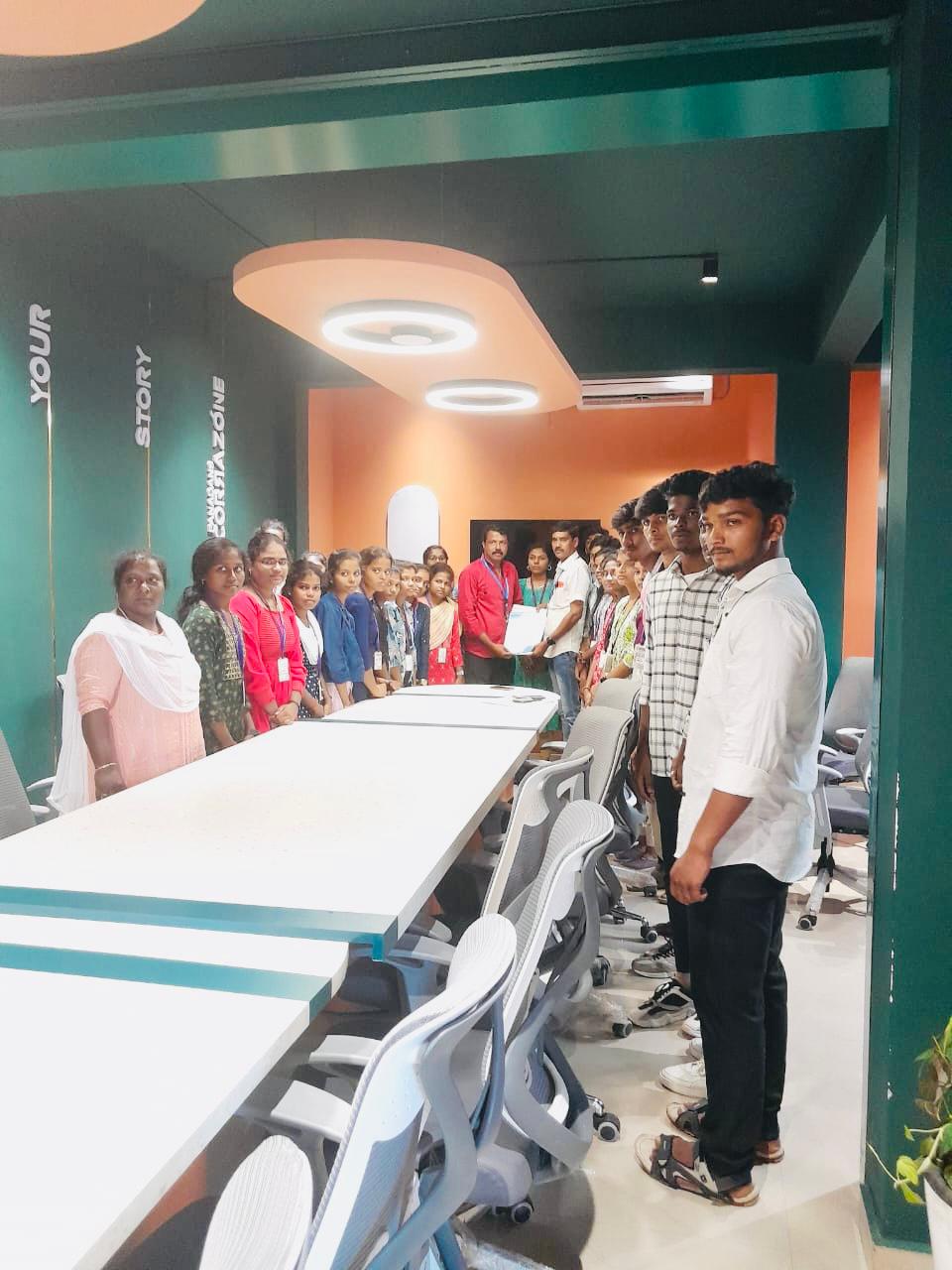
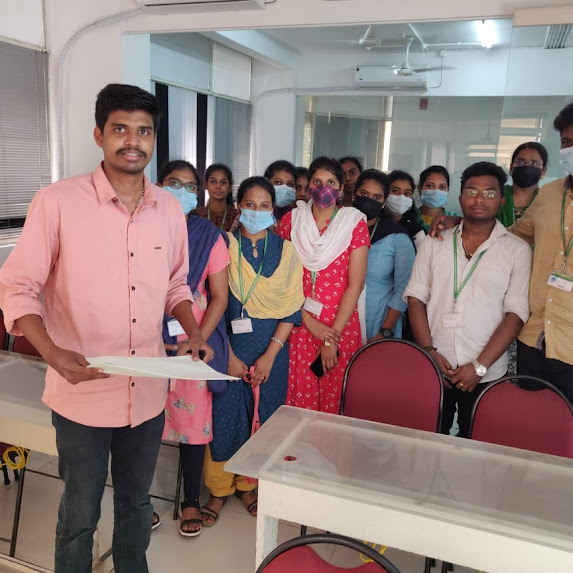
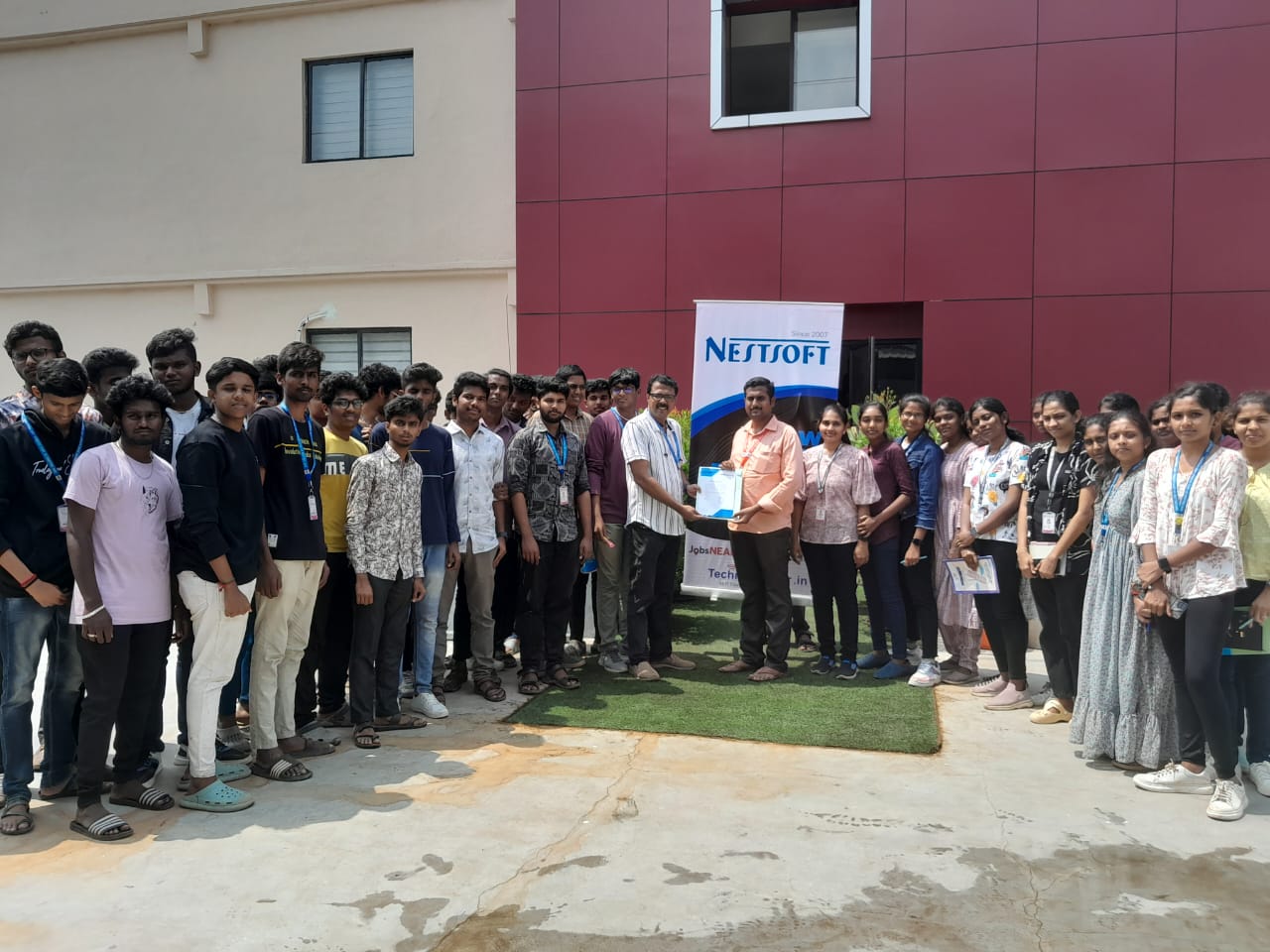
Photos of Training / Internships

Internship/projects in madurai

Trained more than 10000+ students who trust Nestsoft TechnoMaster

Get Your Personal Trainer