Send enquiry ⏎

Tally Prime Online Live Class by Experts

Our Training/Internship Process

Tally Prime Online Live Classes in Mangaluru | Free Demo Training

Tally Prime - Syllabus, Fees & Duration

  • Comprehensive Syllabus: Dive deep into every aspect of Tally Prime with our detailed and structured syllabus:

    • Introduction to Tally Prime

      • Overview and Installation

      • Tally Prime Interface and Features

    • Accounting Fundamentals

      • Basics of Accounting

      • Chart of Accounts

      • Creating and Managing Ledgers and Groups

    • Inventory Management

      • Stock Groups, Categories, and Items

      • Units of Measurement

      • Purchase and Sales Management

    • Taxation

      • GST (Goods and Services Tax) Configuration

      • GST Invoicing and Reporting

      • TDS and TCS Management

    • Payroll Management

      • Employee Details and Salary Structure

      • Attendance and Leave Management

      • Payroll Reports

    • Banking and Reconciliation

      • Bank Reconciliation

      • E-Payments and Cheque Management

    • Advanced Features

      • Multi-Currency Transactions

      • Data Security and Backup

      • MIS Reporting and Analysis

    • Real-Time Applications

      • Handling Multiple Companies

      • Audit and Compliance

      • Financial Year-End Processes

  • Training by Industry Experts: Learn directly from experienced professionals who bring real-world insights to every session. Our trainers have hands-on expertise in Tally Prime and financial management.

  • Live Online Classes: Attend live, interactive sessions from the comfort of your home. Get personalized attention and clarify doubts instantly during classes.

  • Real-Time Projects and Internships: Work on actual business scenarios and projects to gain practical experience. Our internships offer exposure to:

    • Inventory Management for SMEs

    • GST Filing for Retail Businesses

    • Payroll Processing for Corporates

Download Syllabus - Tally Prime
This syllabus is not final and can be customized as per needs/updates
   
10000+
20+
50+
25+

Tally Prime Jobs in Mangaluru

Enjoy the demand

Find jobs related to Tally Prime in search engines (Google, Bing, Yahoo) and recruitment websites (monsterindia, placementindia, naukri, jobshybrid.com, indeed.co.in, shine.com etc.) based in Mangaluru, chennai and europe countries. You can find many jobs for freshers related to the job positions in Mangaluru.

  • Accounts Executive
  • Taxation Specialist
  • Payroll Manager
  • Inventory Manager
  • Data Analyst (Finance)
  • Finance Executive
  • Audit Assistant
  • Business Owner or Entrepreneur
  • Tally Trainer/Instructor
  • Freelance Accountant

Tally Prime Internship/Course Details

Tally Prime internship jobs in Mangaluru
Tally Prime . By the end of the course, you will be proficient in using Tally Prime for day-to-day business operations and compliance. Join today and attend a free trial class to experience our expert-led training firsthand. Our Tally Prime course is a complete guide for anyone aspiring to excel in financial management and business accounting. You will also learn to handle multi-company operations and financial year-end adjustments. Earn an industry-recognized certification, access lifetime learning resources, and receive placement assistance to kickstart your career. This course caters to students, business owners, and professionals looking to enhance their accounting skills. Through interactive live classes, hands-on training, and real-time projects, you will gain practical knowledge of inventory management, financial data security, and reconciliation processes. Designed by industry experts, this course covers everything from the basics of accounting to advanced functionalities in Tally Prime, such as GST compliance, payroll management, and MIS reporting.


Meet a Few of our Industry Experts 🚀 Your Pathway to IT Career

Amol

Mobile: +91 89210 61945
Location: Online (Mangaluru, India)
Qualification: Bsc computer science

Experience: I have 3 years of experience in software testing   more..

Anagha

Mobile: +91 91884 77559
Location: Online (Mangaluru, India)
Qualification: Bachelor

Experience: 1 yr Html css customized Js bootstrape responsive design figma vs code dream viewer adobe illustrator adobe photoshop  more..

jalpa

Mobile: +91 8301010866
Location: Online (Mangaluru, India)
Qualification: BE IT

Experience: I am writing to express my strong interest in the WordPress Developer position as advertised With over 6 years of  more..

RITHIKA

Mobile: +91 98474 90866
Location: Online (Mangaluru, India)
Qualification: B.Tech

Experience: I am an aspiring UX Designer To boldly purse continuous learning and personal growth while creating user friendly products that  more..

Mohd

Mobile: +91 94975 90866
Location: Online (Mangaluru, India)
Qualification: B.tech

Experience: Kotlin java flutter dart android studio  more..

REETHA

Mobile: +91 94975 90866
Location: Online (Mangaluru, India)
Qualification: BE ECE

Experience: Oops Selenium web driver Core java Manual testing Api Appium Cucumber Agile Jira  more..

KATHI

Mobile: +91 98474 90866
Location: Online (Mangaluru, India)
Qualification: Degree (B.com)

Experience: I am fresher Skills is good communication and convincing skills I will done coaching for web development   more..

Hardik

Mobile: +91 9895490866
Location: Online (Mangaluru, India)
Qualification: BE-CSE

Experience: Web developer C++ data visualization agile  more..

somasundarm

Mobile: +91 89210 61945
Location: Online (Mangaluru, India)
Qualification: master of computer appliacation

Experience: python sql java fdata analiytics  more..

sukriti

Mobile: +91 91884 77559
Location: Online (Mangaluru, India)
Qualification: B.Tech CSE

Experience: skills: Kotlin Android MVVM Permissions API Gson Notifications Android Components Live Data View and Data Binding I am currently doing  more..

Nimish

Mobile: +91 8301010866
Location: Online (Mangaluru, India)
Qualification: BE IN COMPUTER ENGINEERING

Experience: I know about HTML CSS JS PYTHON and django framework also know about basic of php   more..

SUNNY

Mobile: +91 89210 61945
Location: Online (Mangaluru, India)
Qualification: Persuing Btech in Computer Science

Experience: I am a 3rd-year B Tech CSE student with a strong foundation in web development I have gained practical experience  more..

Anandhu

Mobile: +91 89210 61945
Location: Online (Mangaluru, India)
Qualification: Bachelor's of computer Application

Experience: I Anandhu Narayanan i am bca graduate i completed my graduation in 2023 after my graduation i have done 6  more..

VIVEK

Mobile: +91 98474 90866
Location: Online (Mangaluru, India)
Qualification: B.tech

Experience: UI API tester Functional testing Smoke sanity retesting and regression testing API testing with postman BDD framework Assist in hybrid  more..

Chaitanya

Mobile: +91 8301010866
Location: Online (Mangaluru, India)
Qualification: b.tech

Experience: python pandas numpy matplotlib seaborn logistics regression linear model decision tree svm supervised and unsupervised machine learning sql excel   more..

Prasad

Mobile: +91 91884 77559
Location: Online (Mangaluru, India)
Qualification: BE in Mechanical Engineering

Experience: Currently working as trainee fullstack developer at Techprimelab software pvt ltd   more..

Rahul

Mobile: +91 94975 90866
Location: Online (Mangaluru, India)
Qualification: BE

Experience: Java c# net react node css html javascript  more..

Gautam

Mobile: +91 94975 90866
Location: Online (Mangaluru, India)
Qualification: BCA

Experience: C C++ python My SQL Proficiency in Website builder like wix and shopify I have build an website using Wix  more..

Rahul

Mobile: +91 8301010866
Location: Online (Mangaluru, India)
Qualification: BE/ECE

Experience: 5 month networking side overall troubleshooting network issue  more..

Putta

Mobile: +91 91884 77559
Location: Online (Mangaluru, India)
Qualification: B.tech

Experience: HTML Java SQL Python programming languages  more..

Deepesh

Mobile: +91 9895490866
Location: Online (Mangaluru, India)
Qualification: B.E

Experience: Deepesh has an overall 2 10 YOE as a Developer Automation tester in Deloitte’s Financial Services He has experience in  more..

Mohd

Mobile: +91 91884 77559
Location: Online (Mangaluru, India)
Qualification: Undergraduate

Experience: Web design Social media marketing Graphic design   more..

Mayuri

Mobile: +91 9895490866
Location: Online (Mangaluru, India)
Qualification: BE in Computer Engineering

Experience: I am an experienced software developer skills with angular (RXJS Reactive forms routing) Javascript(Promises) Typescript HTML CSS Git Bitbukcet Jira  more..

Sandhya

Mobile: +91 9895490866
Location: Online (Mangaluru, India)
Qualification: MCA

Experience: Net developer 6 months  more..

Success Stories

The enviable salary packages and track record of our previous students are the proof of our excellence. Please go through our students' reviews about our training methods and faculty and compare it to the recorded video classes that most of the other institutes offer. See for yourself how TechnoMaster is truly unique.

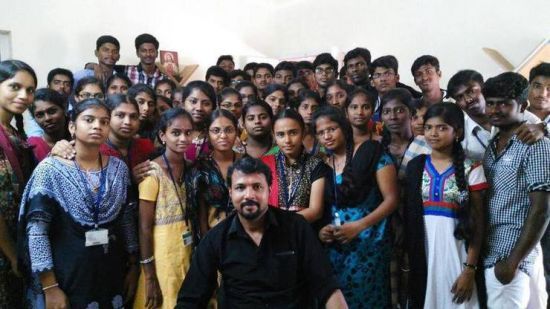
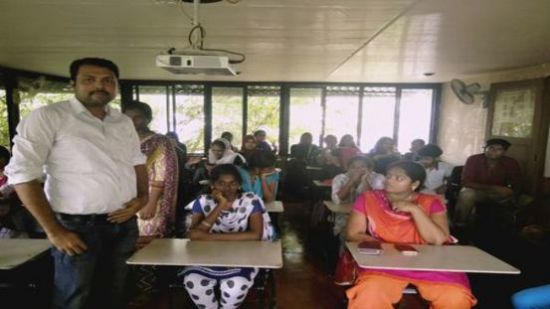
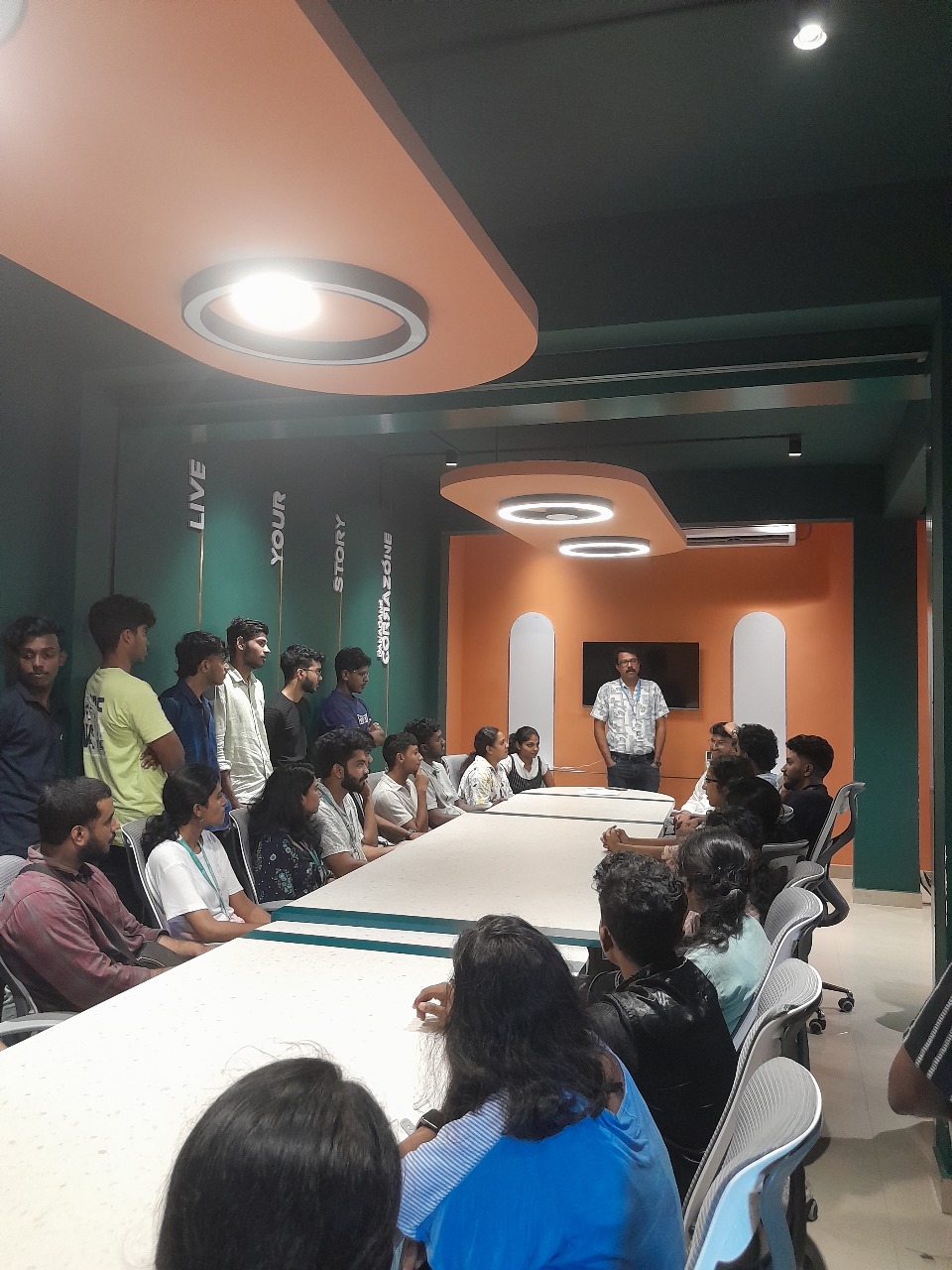
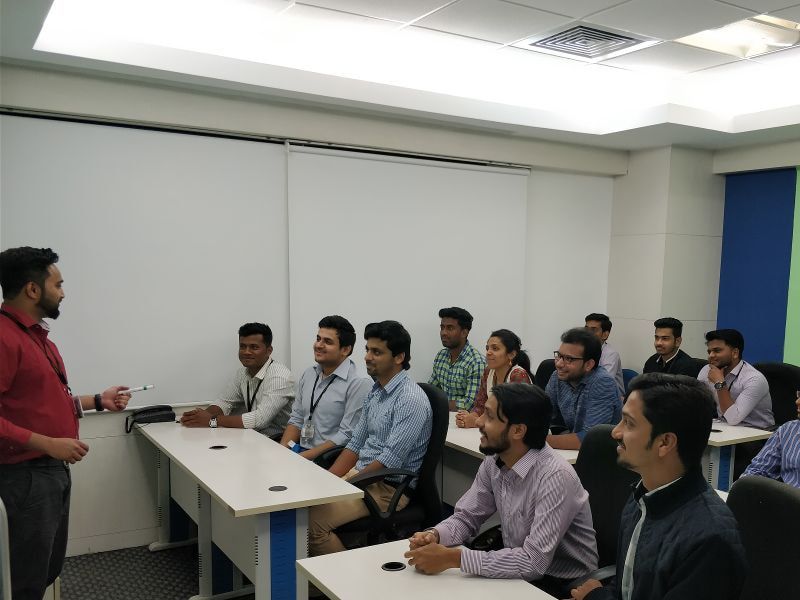
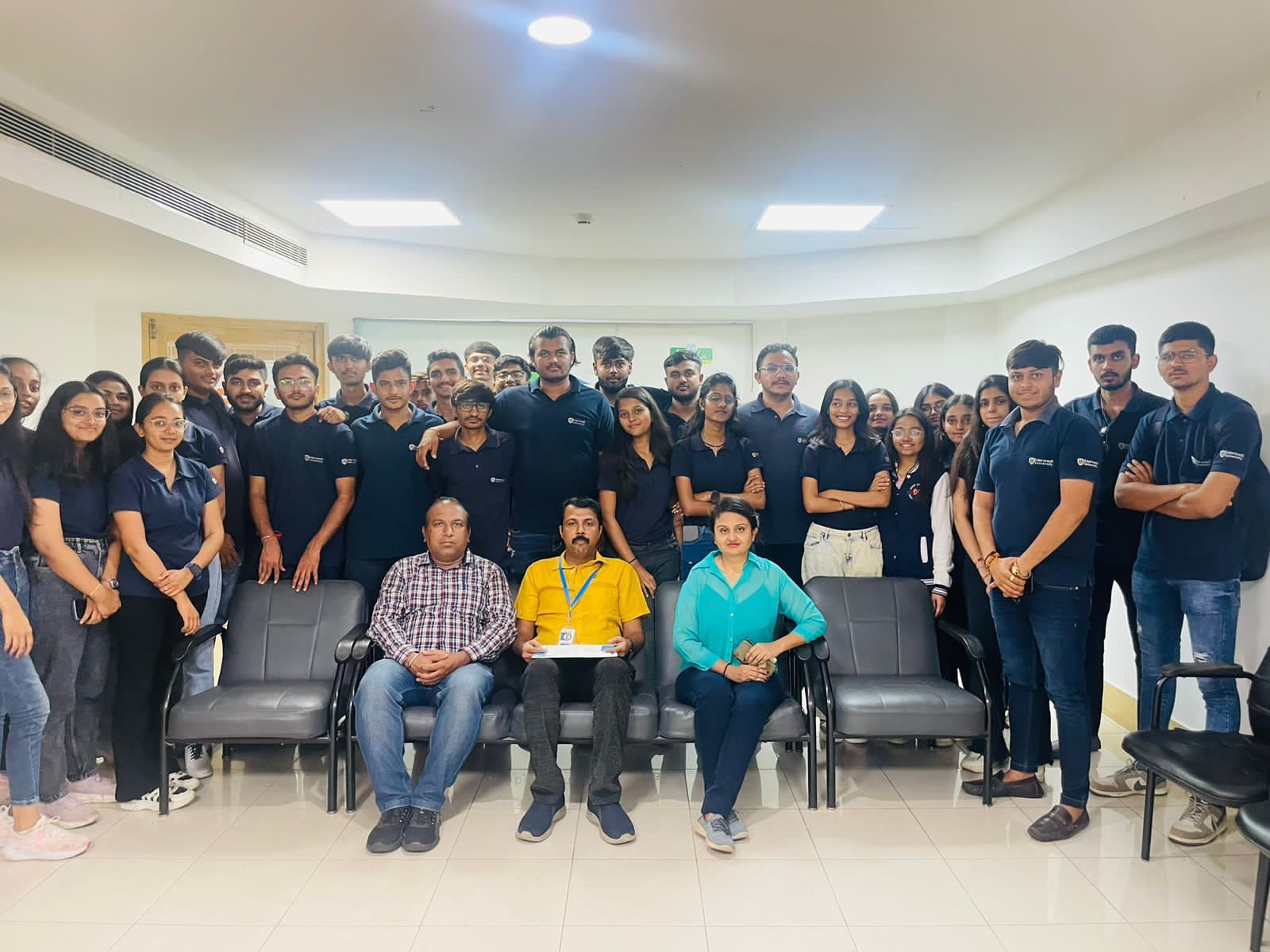
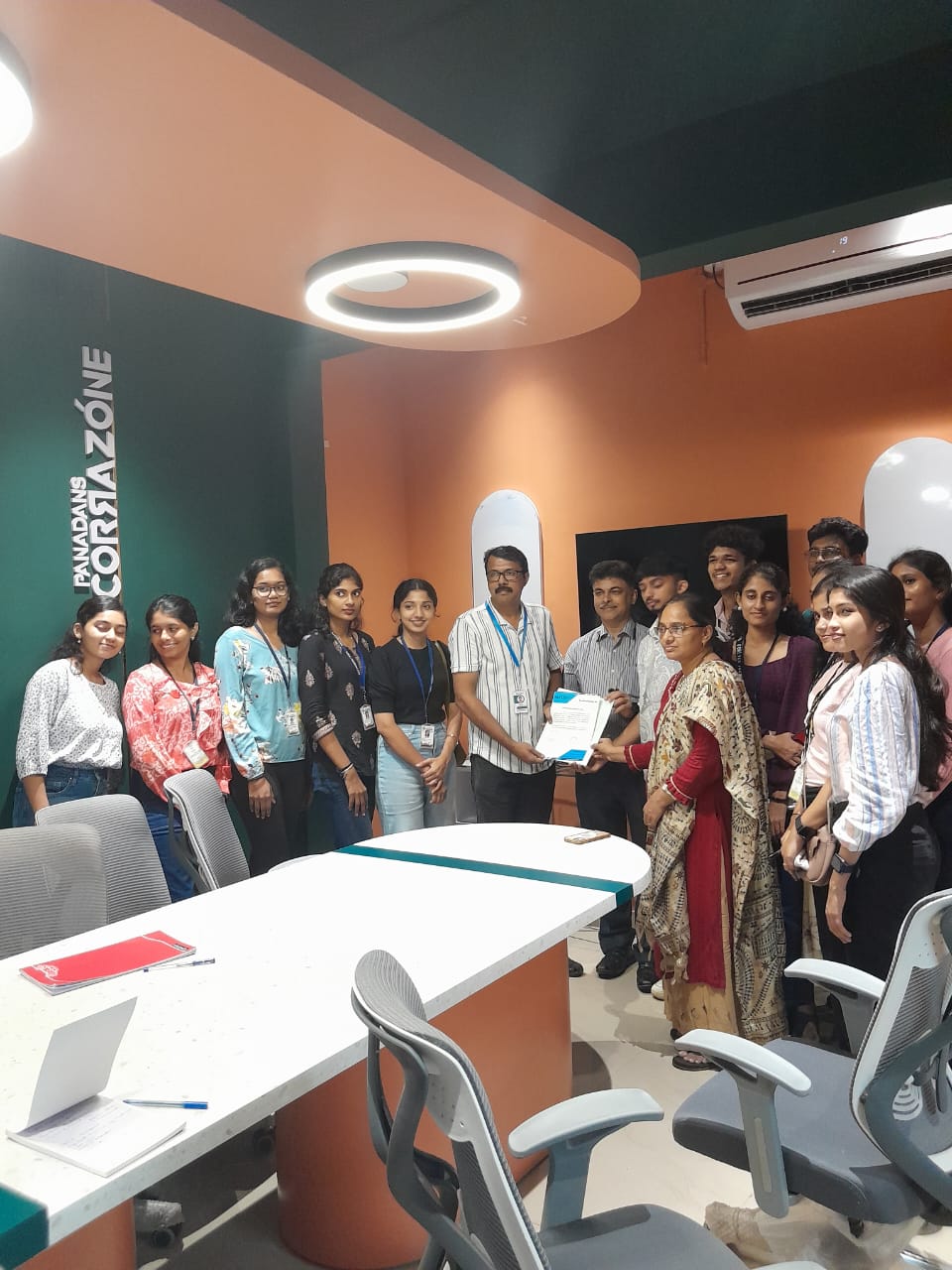
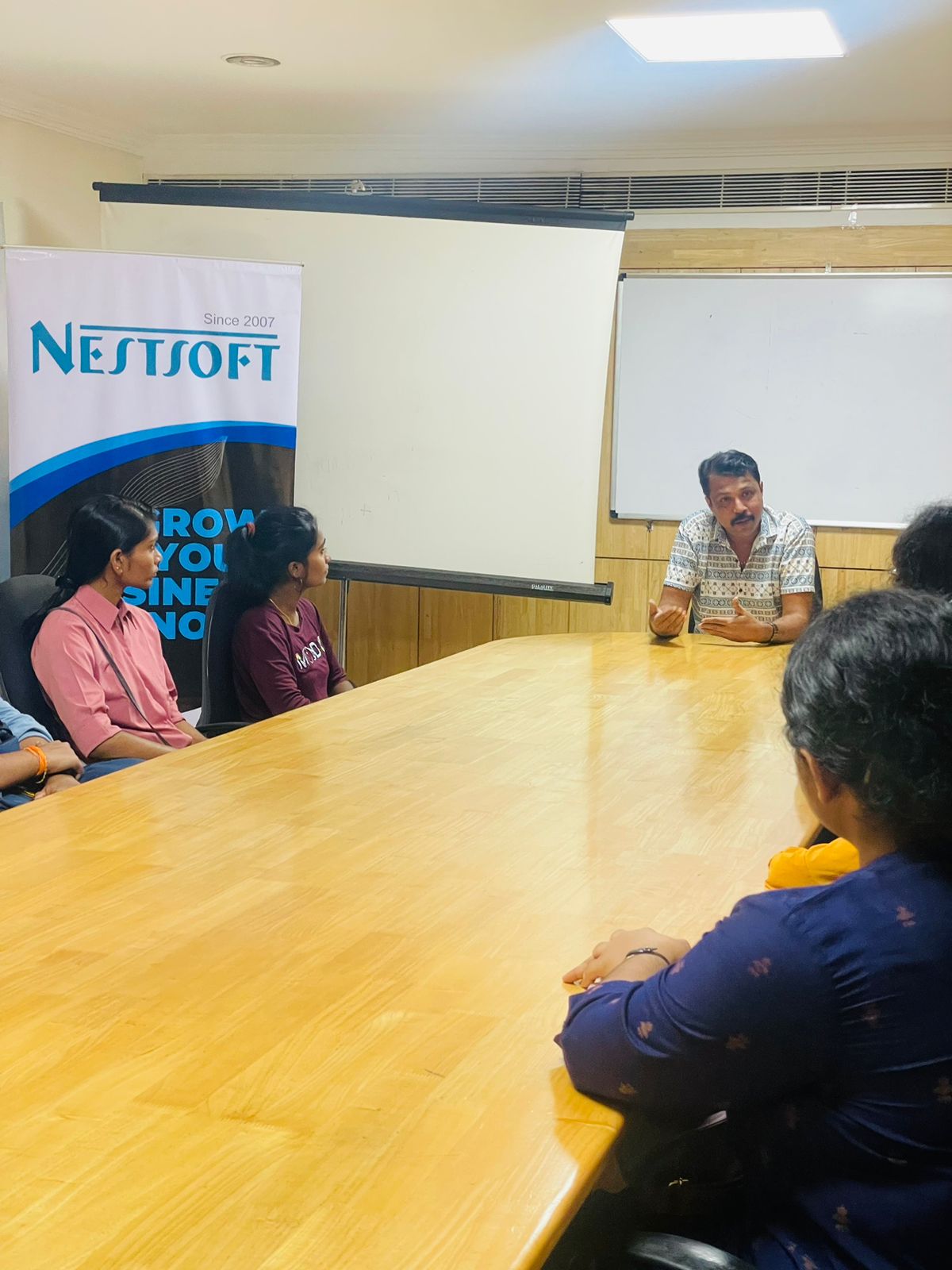
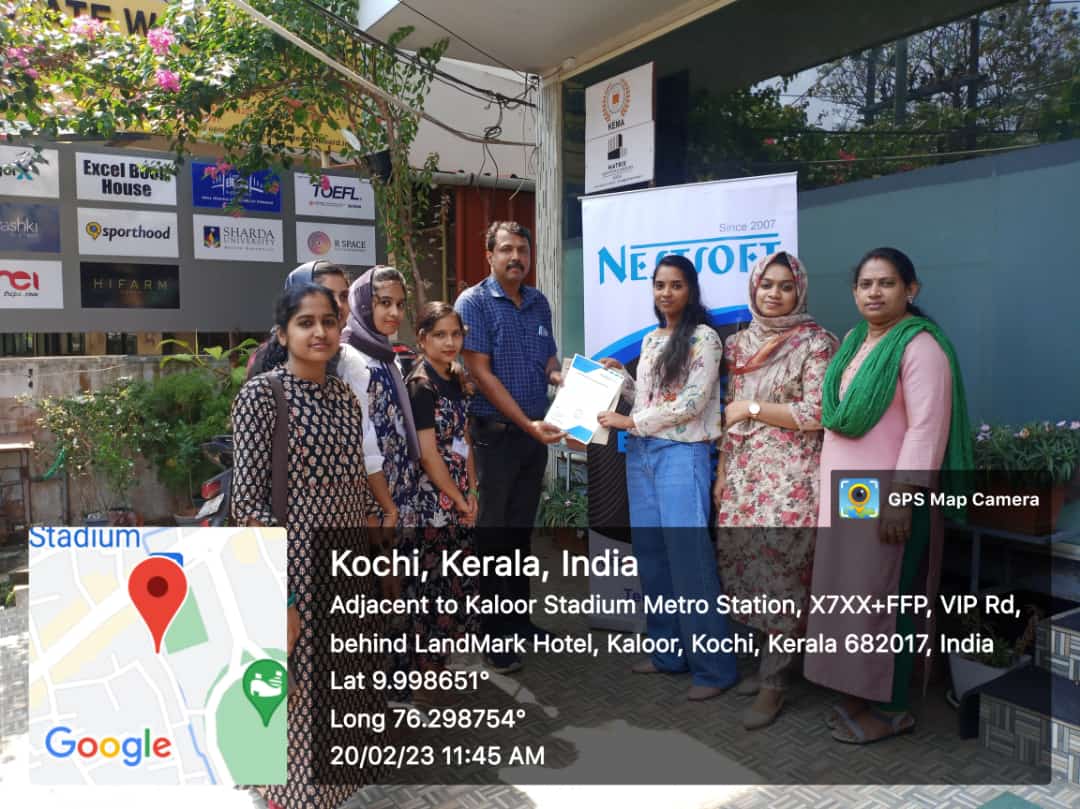
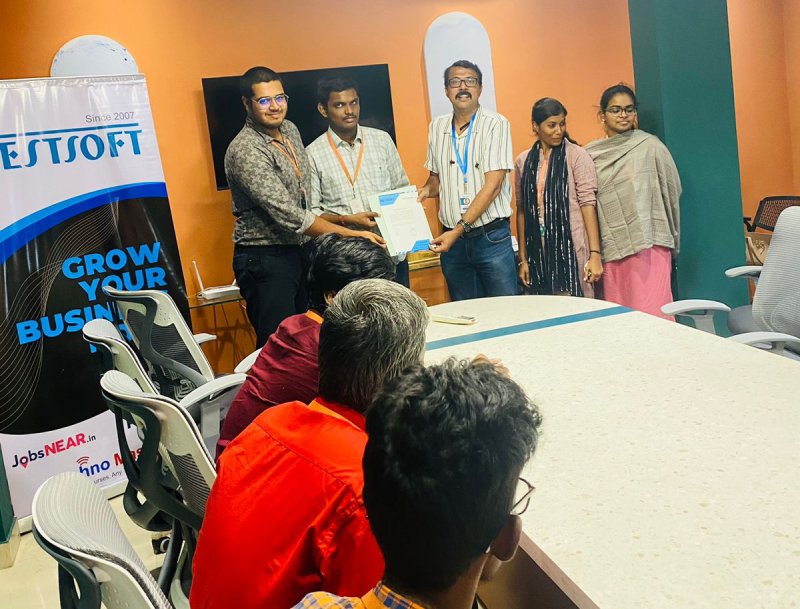
Photos of Training / Internships

Internship/projects in mangaluru

Trained more than 10000+ students who trust Nestsoft TechnoMaster

Get Your Personal Trainer