Send enquiry ⏎

AutoCAD Online Live Class by Experts

Our Training/Internship Process

AutoCAD Online Live Classes in Gulbarga | Free Demo Training

AutoCAD - Syllabus, Fees & Duration

INTRODUCTION OF AUTOCAD

  • Uses of AutoCAD
  • Different versions
  • Installation procedure

BASIC UNDERSTANDING

  • User interface
  • Different units and templates
  • Coordinate systems
  • Drawing settings
  • Concept of views
  • Create and Save

BASIC IDEA OF TOOLS AND MENUS

  • Application button
  • Quick access toolbar
  • Tabs and ribbon areas
  • Panels
  • Drawing area
  • Status bar

BASIC DRAWINGS

  • Making simple lines, polylines, rectangles
  • Creation of arcs, circles, ellipses
  • Use of ortho and polar mode
  • Simple and advance object snaps
  • Object snap tracking

BASIC MODIFY TOOLS

  • Scaling of objects
  • Rotation of objects
  • Move, copy ,trim and extend objects
  • Joining and extend tools
  • Offset, fillet and mirror of objects

MAJOR DRAWINGS

  • Isometric, mechanical and electrical drawings with advanced building drawings
  • Drawing with Hatch tools and their applications
  • Making rectangular, polar and path array
  • Use of multi function grips and dynamic input
  • Drawing of different components of building

REUSING EXISTING CONTENT

  • Creation, understanding and insertion of blocks
  • Modifying and start write block
  • Use of different block libraries
  • Attributes

OBJECT ORGANISATION

  • Understanding and assigning layers
  • By layer and by block
  • Enquiry tools
  • Purge and rename command

ANNOTATIONS

  • Basic and advance dimensions and their style
  • Multileader
  • Creation and modifying table with styles
  • Different text styles

LAYOUT AND PRINTING

  • Page setup and plotting drawing
  • Viewports
  • Creation of annotative dimensions

Download Syllabus - AutoCAD
This syllabus is not final and can be customized as per needs/updates
   
10000+
20+
50+
25+

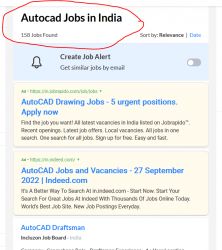
AutoCAD Jobs in Gulbarga

Enjoy the demand

Find jobs related to AutoCAD in search engines (Google, Bing, Yahoo) and recruitment websites (monsterindia, placementindia, naukri, jobshybrid.com, indeed.co.in, shine.com etc.) based in Gulbarga, chennai and europe countries. You can find many jobs for freshers related to the job positions in Gulbarga.

  • AutoCAD Draughtsman
  • Junior Architect
  • Junior Interior Designer
  • AutoCAD Designer
  • Junior Civil Engineer
  • AutoCAD Civil Drafters
  • 3D Design
  • Junior Design Executive
  • Structural Draughtsman
  • AutoCAD Engineer

AutoCAD Internship/Course Details

AutoCAD internship jobs in Gulbarga
AutoCAD There are many merits of using AutoCAD. AutoCAD is a commercial designing and drafting software application in Gulbarga. It can be done in two types of wiring diagram and a surface model diagram for use in the manufacturing, assembling and repairing of parts. It is used in industry by architects, civil engineers, graphic designers, city planners and many other professionals. It has a user- friendly interface and saves time, which are great advantages to designers. It was supported by 750 training centers worldwide in the year 1994. AutoCAD, Gulbarga can be used across a variety of industries. Initially AutoCAD was derived from a program called Interact, which was written in a proprietary language. AutoCAD was first introduced in the month of December in 1982 as a desktop app running on microcomputers with internal graphics controllers. They are also adopted as a skill development application for a graduate-level of education.


Meet a Few of our Industry Experts 🚀 Your Pathway to IT Career

Shweta

Mobile: +91 89210 61945
Location: Online (Gulbarga, India)
Qualification: BCA

Experience: Myself Shweta Sutar I have completed my Bachelors in computer application from GSS College I have worked 6 months as  more..

Dhivya

Mobile: +91 94975 90866
Location: Online (Gulbarga, India)
Qualification: B.E computer science

Experience: AWS services Devops terraform Jenkins docker and docker hub GIt and GitHub Ansible python Linux windows shell scripting  more..

J.Praveen

Mobile: +91 89210 61945
Location: Online (Gulbarga, India)
Qualification: master degree

Experience: I had studied M Sc (Maths) more over TESBO(Manual testing and Automation testing) I have testing Trainer 6 month urban  more..

Adithya

Mobile: +91 91884 77559
Location: Online (Gulbarga, India)
Qualification: 12th Graduate

Experience: I am a recent high school graduate with a resolute dedication to excel in the field of design while actively  more..

susmitha

Mobile: +91 8301010866
Location: Online (Gulbarga, India)
Qualification: M.E

Experience: Laravel stripe payment gateway api development boostrap ajax jqueryApplication for PHP Laravel  more..

Jatin

Mobile: +91 98474 90866
Location: Online (Gulbarga, India)
Qualification: Btech CSE 3rd year Student

Experience: Web development -3 years C++ development- 2 years Supervised ML - 0 5 years Video Editing Graphic Designing Event Management  more..

Mahendran

Mobile: +91 9895490866
Location: Online (Gulbarga, India)
Qualification: Btech

Experience: Skills : 1 User interface design 2 User experience design 3 Wireframing and prototyping 4 Interaction design 5 Usability testing  more..

Shubhangi

Mobile: +91 8301010866
Location: Online (Gulbarga, India)
Qualification: BCS

Experience: I have 4 year experiance as UI Developer I work on html css bootstrap Jquery figma photoshop I learn gsap  more..

Chintan

Mobile: +91 9895490866
Location: Online (Gulbarga, India)
Qualification: Diploma in computer engineering

Experience: I'm a have good knowledge about professional android deployment like jetpack component MVVM Kotlin  more..

Sameer

Mobile: +91 89210 61945
Location: Online (Gulbarga, India)
Qualification: Currently pursuing my Bachelors

Experience: I have a certificate from cisco networking academy you can check it on my linkedin |   more..

Arishika

Mobile: +91 98474 90866
Location: Online (Gulbarga, India)
Qualification: Bechulors

Experience: Business development executive at axis bank  more..

Bhushan

Mobile: +91 91884 77559
Location: Online (Gulbarga, India)
Qualification: Bachelor of engineering

Experience: I completed my bachelor of engineering in computer technology I have completed more projects in Java and Frontend development   more..

Narinder

Mobile: +91 94975 90866
Location: Online (Gulbarga, India)
Qualification: Bachelor in Computer Application

Experience: Laravel development - 2 years HTML5 CSS Javascript Ajax Vuejs PHP Jquery - years  more..

Sunil

Mobile: +91 89210 61945
Location: Online (Gulbarga, India)
Qualification: MCA

Experience: Android kotlin Java firebase glide rest API MVVM material design Jetpack Components play Store handling  more..

Prakash

Mobile: +91 8301010866
Location: Online (Gulbarga, India)
Qualification: BSc and MSc in Visual Communication

Experience: 4 year industry experience in Graphic design  more..

Anusha

Mobile: +91 91884 77559
Location: Online (Gulbarga, India)
Qualification: M.E

Experience: I'm Anusha a content designer with a passion for learning Over the past one and a half years I've been  more..

manoj

Mobile: +91 94975 90866
Location: Online (Gulbarga, India)
Qualification: BA

Experience: html css bootstrap besic javascript phpotoshop figma mysql core php wordpress   more..

Abishek

Mobile: +91 8301010866
Location: Online (Gulbarga, India)
Qualification: Be ece

Experience: 1 9 year experience in automation testing  more..

Farhana

Mobile: +91 91884 77559
Location: Online (Gulbarga, India)
Qualification: Msc C. S

Experience: I have 2 years experience in software development Technical skills are PHP Laravel JS html css | Resume for   more..

Anu

Mobile: +91 91884 77559
Location: Online (Gulbarga, India)
Qualification: MCA

Experience: I have 6 months of web developer intern experoence in php fullstack  more..

ABIN

Mobile: +91 91884 77559
Location: Online (Gulbarga, India)
Qualification: MCA

Experience: Java javascript html css bootstrap jQuery react js SQL mongo db photoshop python Attend web development training Attend react js  more..

Balachandar

Mobile: +91 9895490866
Location: Online (Gulbarga, India)
Qualification: B.Tech IT

Experience: Core Java c# basics of PHP and Android app development and 9 years of experience  more..

Aneesh

Mobile: +91 89210 61945
Location: Online (Gulbarga, India)
Qualification: B.Tech in Information Technology

Experience: Android Kotlin Java Android Architecture MVVM Coroutines Dependency Injection using Dagger2 and Hilt GIT design patterns   more..

Karthiga

Mobile: +91 91884 77559
Location: Online (Gulbarga, India)
Qualification: Mca

Experience: I'm a frontend developer with 1 6 yrs of professional experience in developing a user friendly website |   more..

Success Stories

The enviable salary packages and track record of our previous students are the proof of our excellence. Please go through our students' reviews about our training methods and faculty and compare it to the recorded video classes that most of the other institutes offer. See for yourself how TechnoMaster is truly unique.

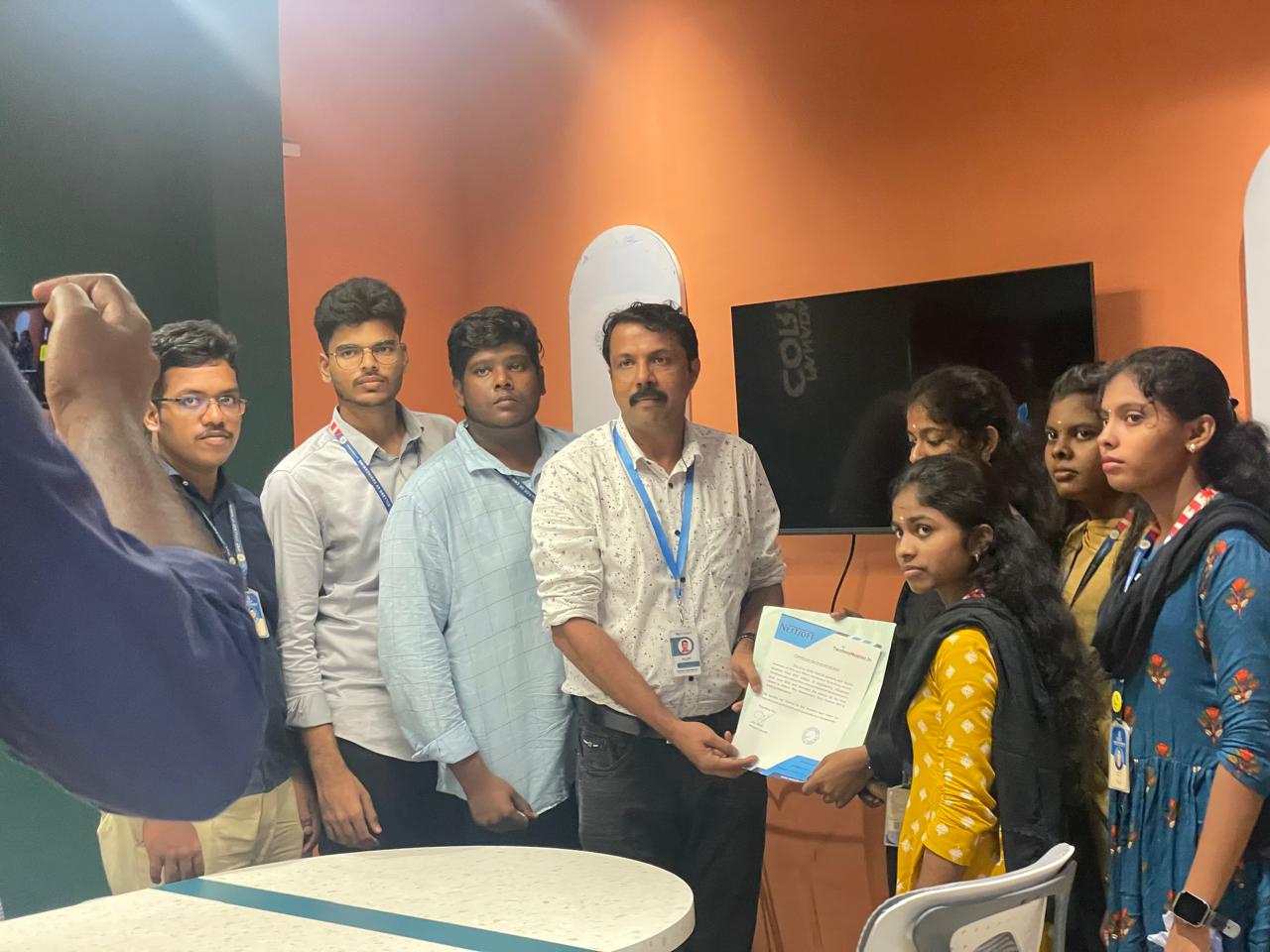
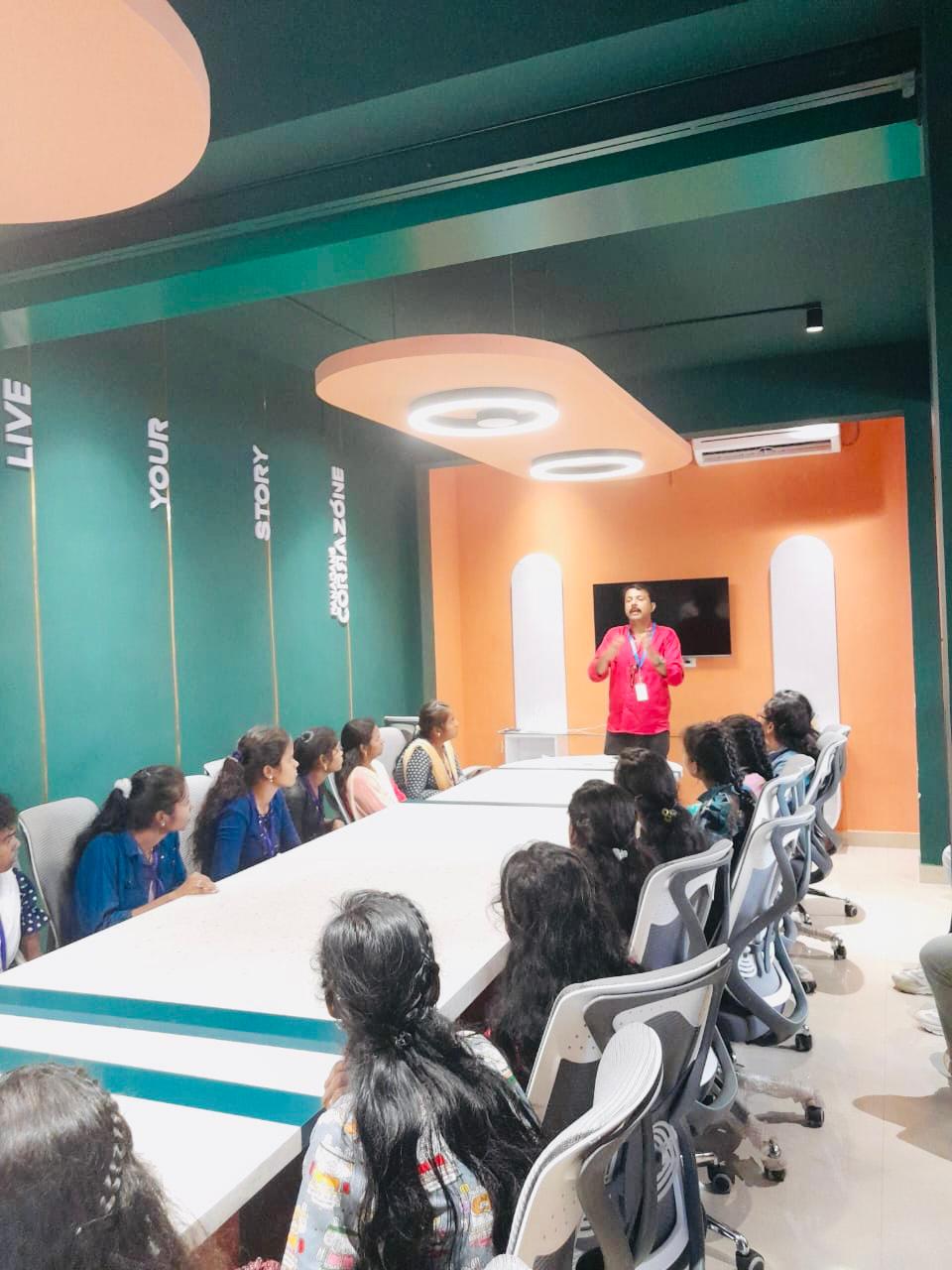
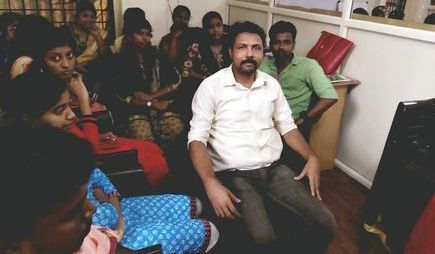
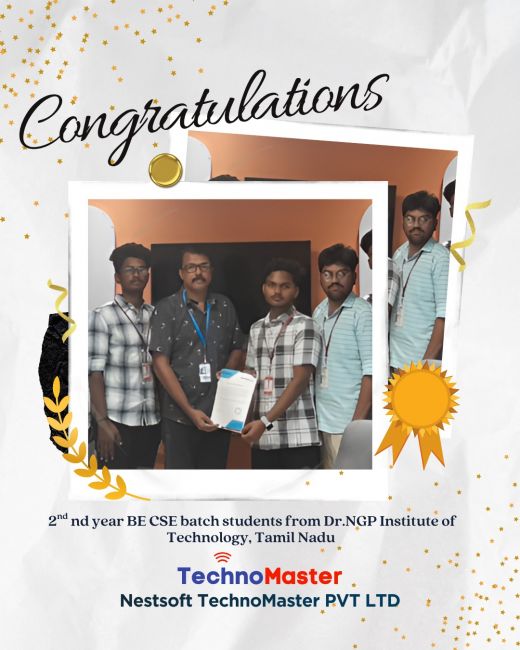
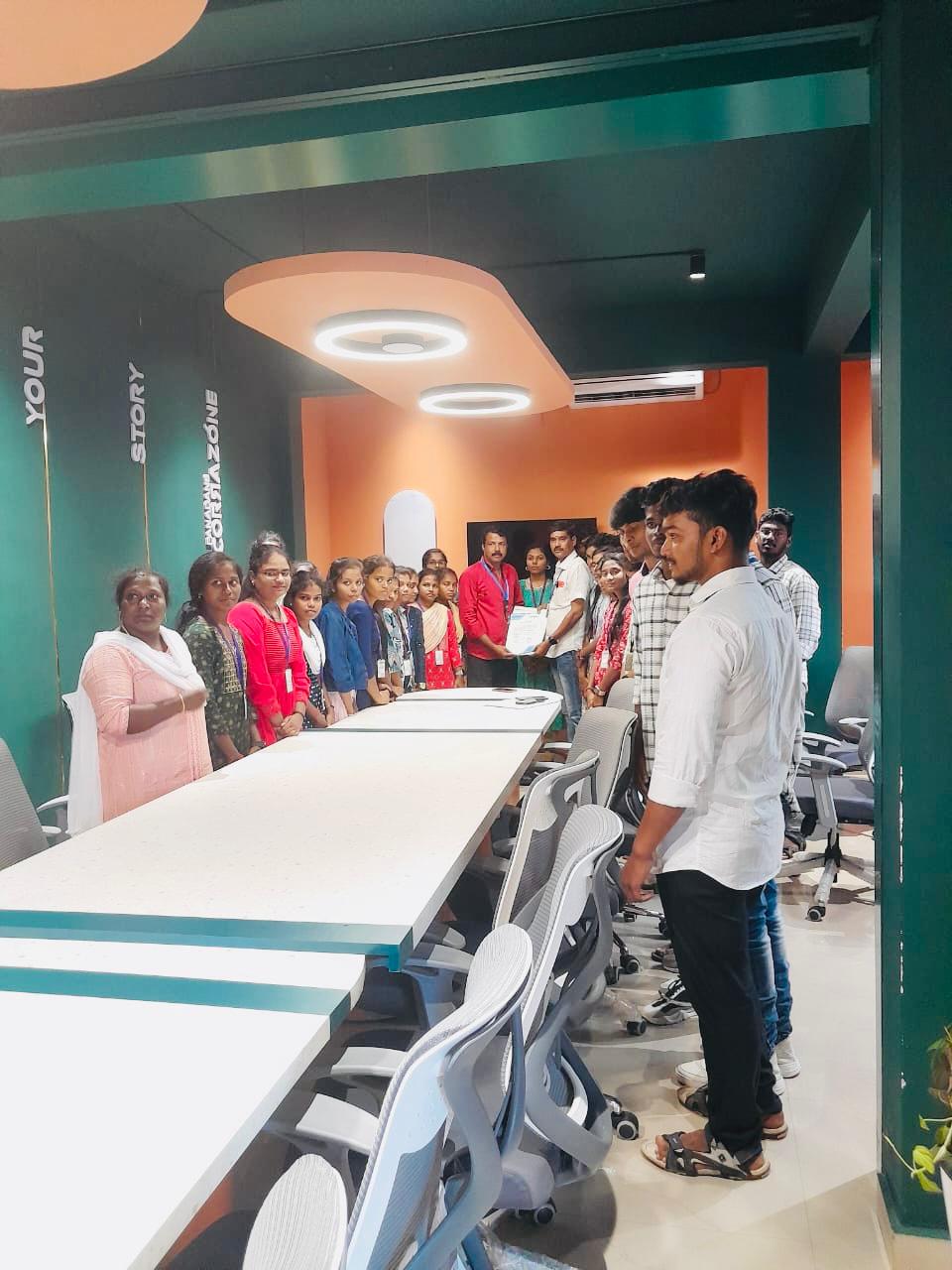
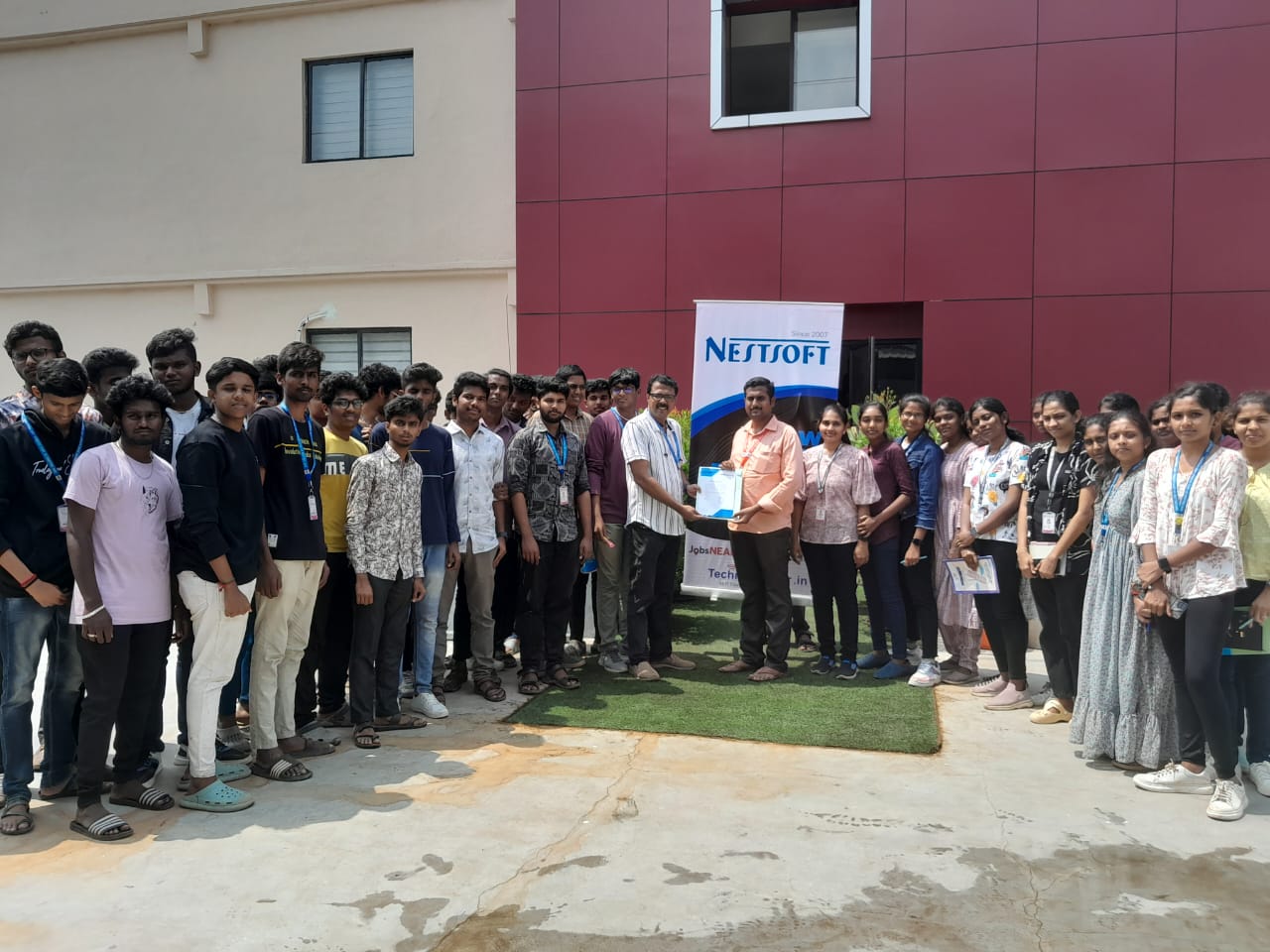
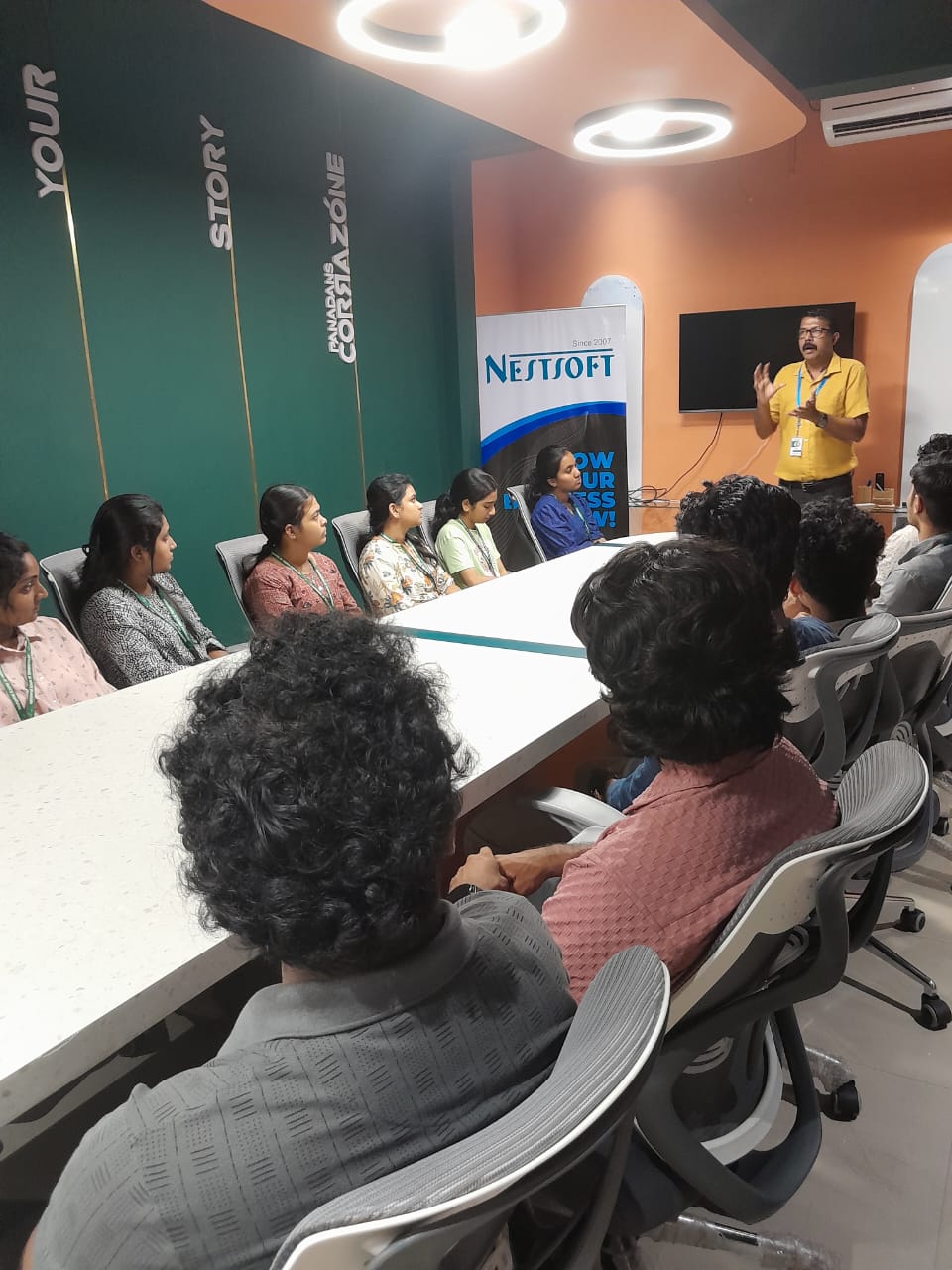
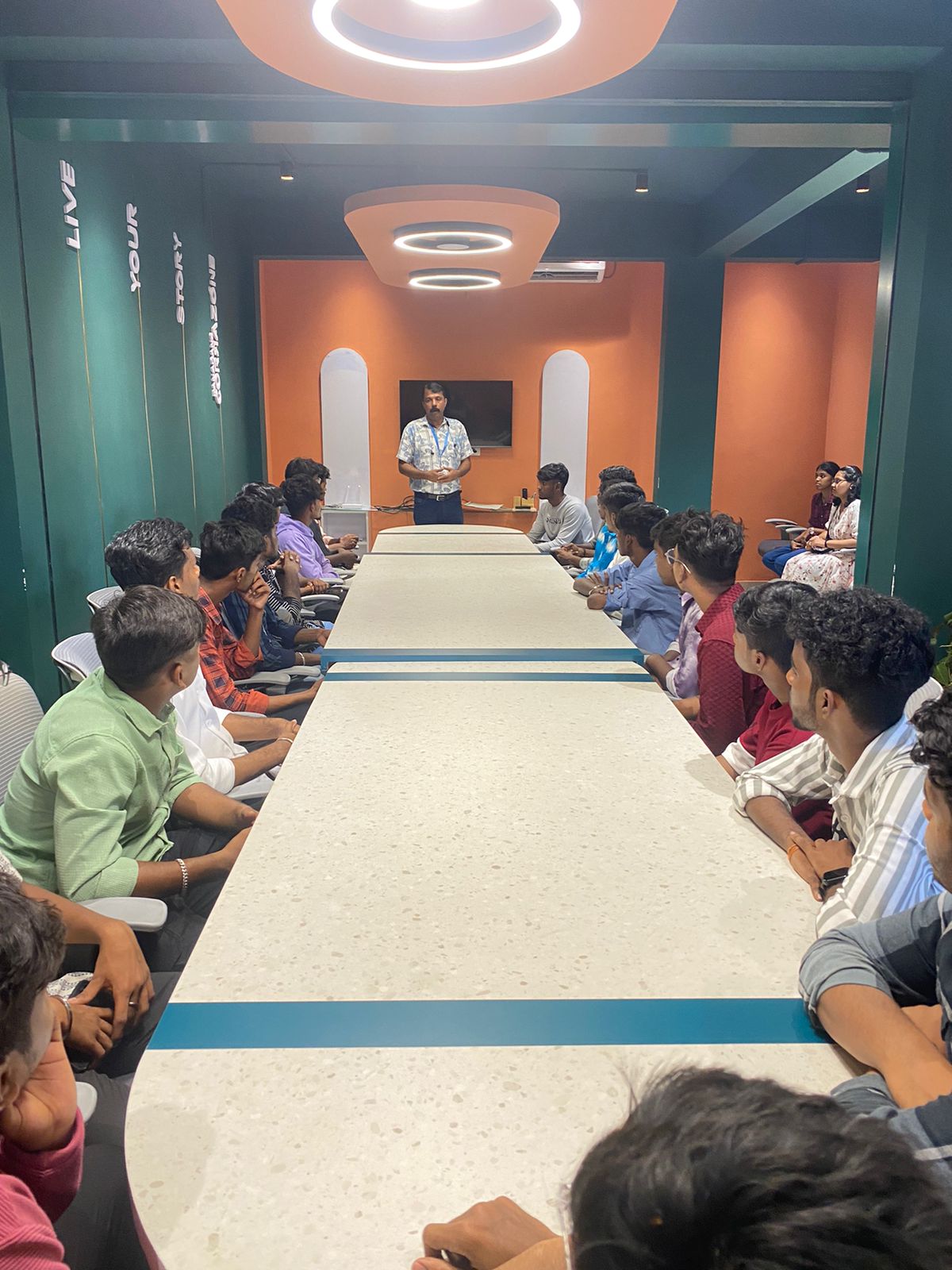
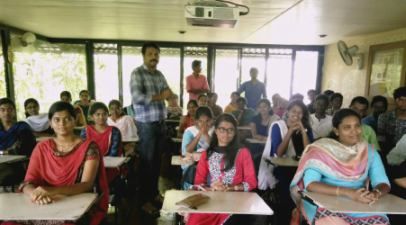
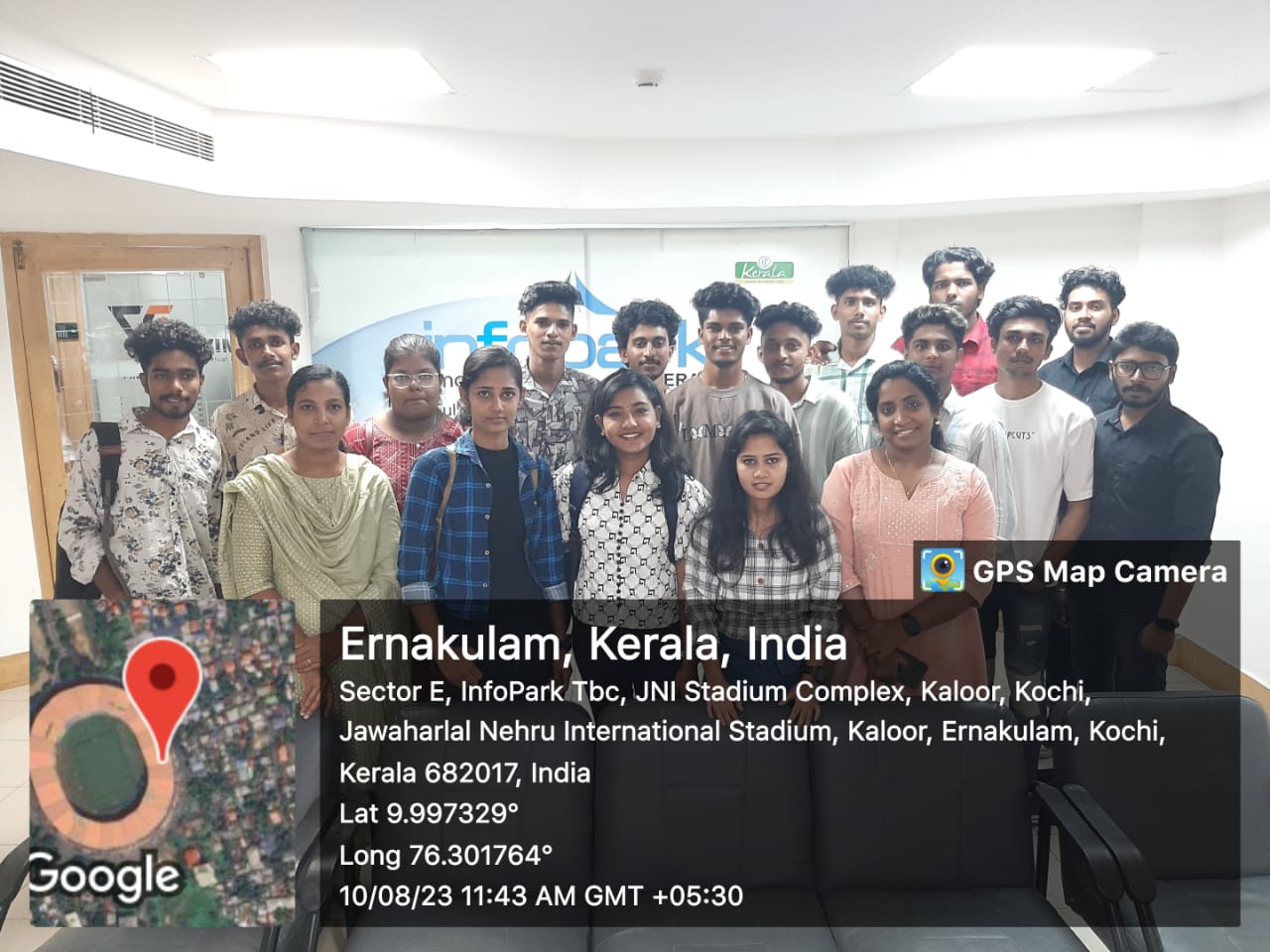
Photos of Training / Internships

Internship/projects in gulbarga

Trained more than 10000+ students who trust Nestsoft TechnoMaster

Get Your Personal Trainer